
Real videos people made with VibeKnow
Training courses, patient guides, lessons and stories, shown in full. Watch one, then turn your own document into a video.
- PDF, Word, PPT, TXT, MDUpload files up to 50 MB
- 8 narration languagesIncluding English, Spanish, Japanese and Korean
- MP4, script, captionsDownload together or one by one
- 16:9 or 9:16Landscape or vertical
Explore use cases
Pick an area to narrow it down, or browse every use case below.
Four ways to make it
Every video on this page was made in one of four modes. You choose the mode before you generate.
 1:36
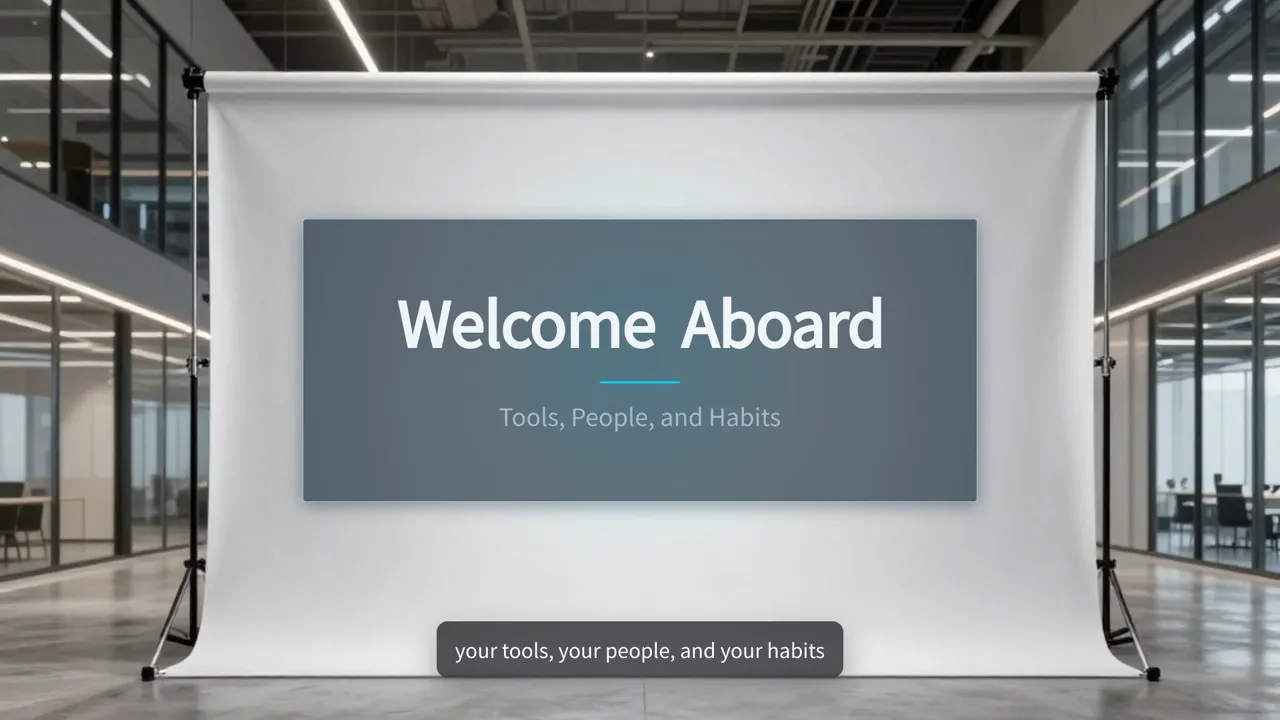
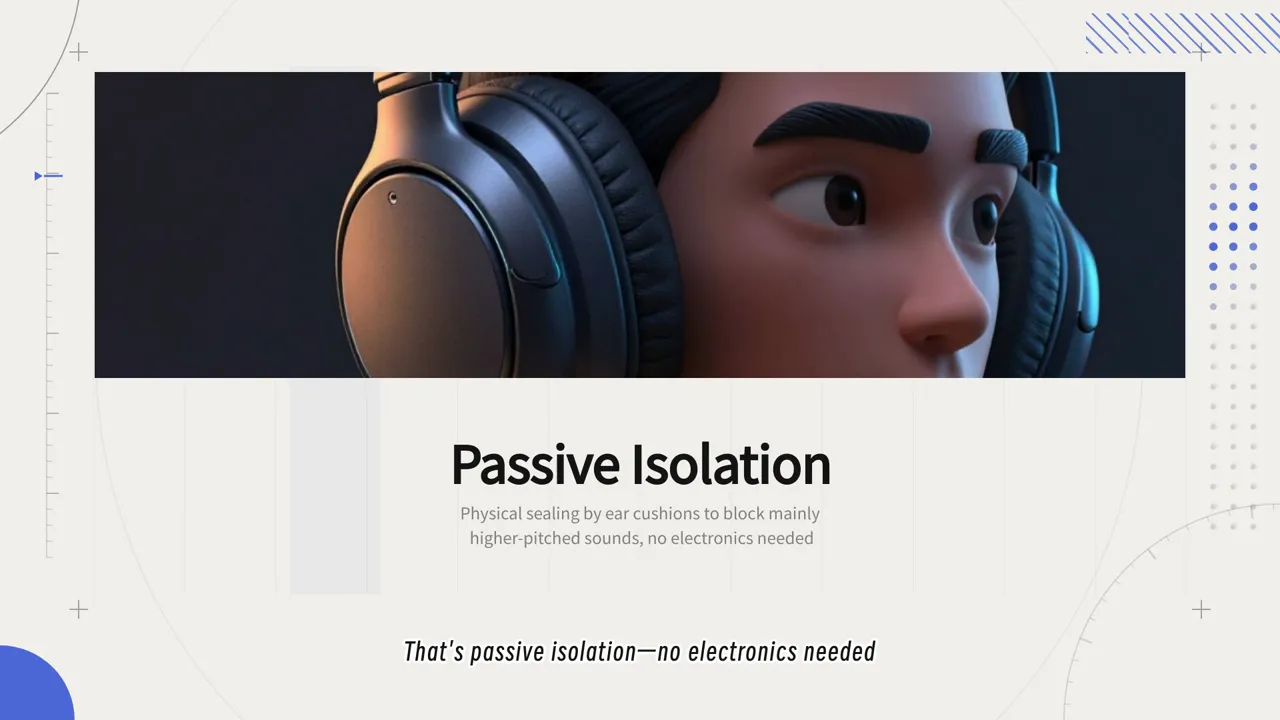
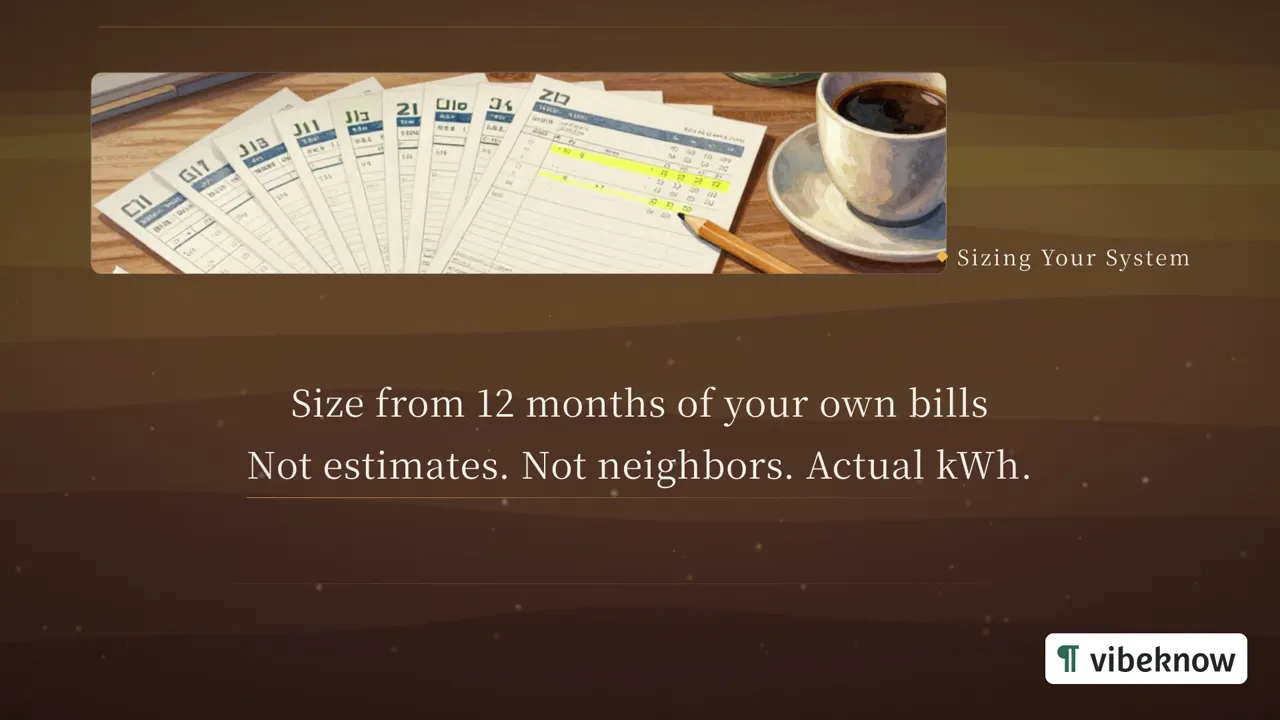
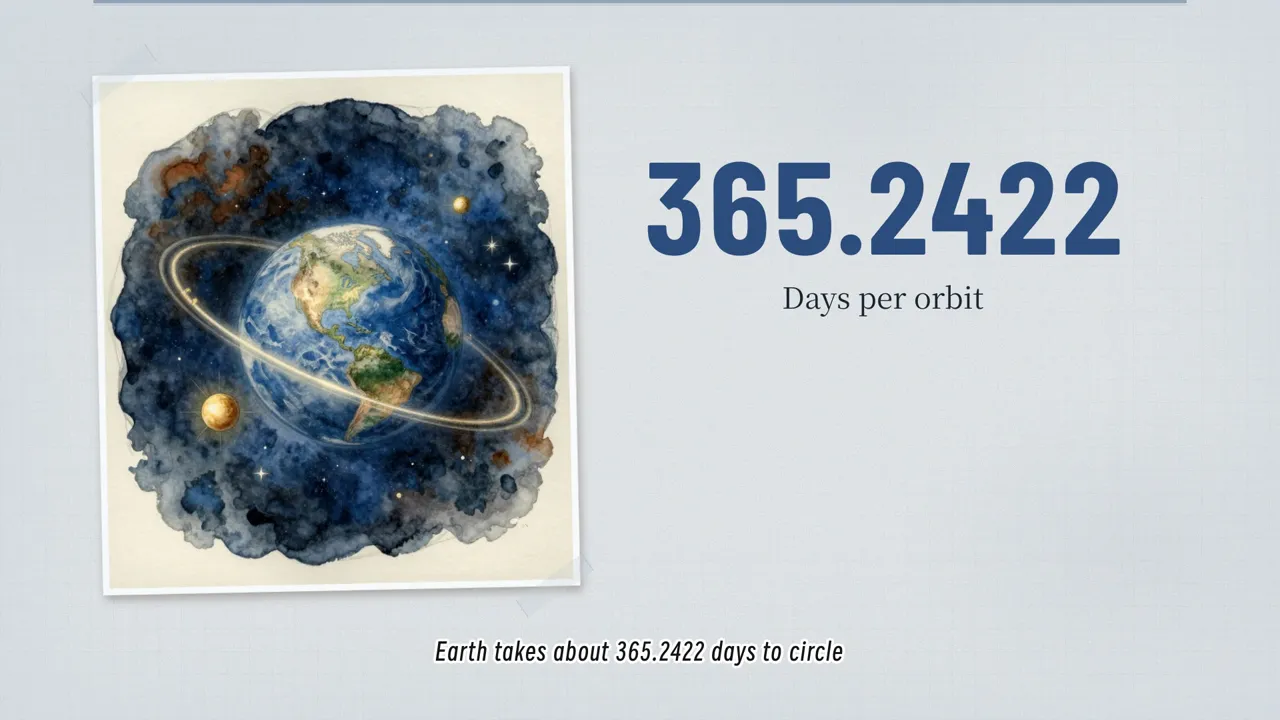
HTML Video
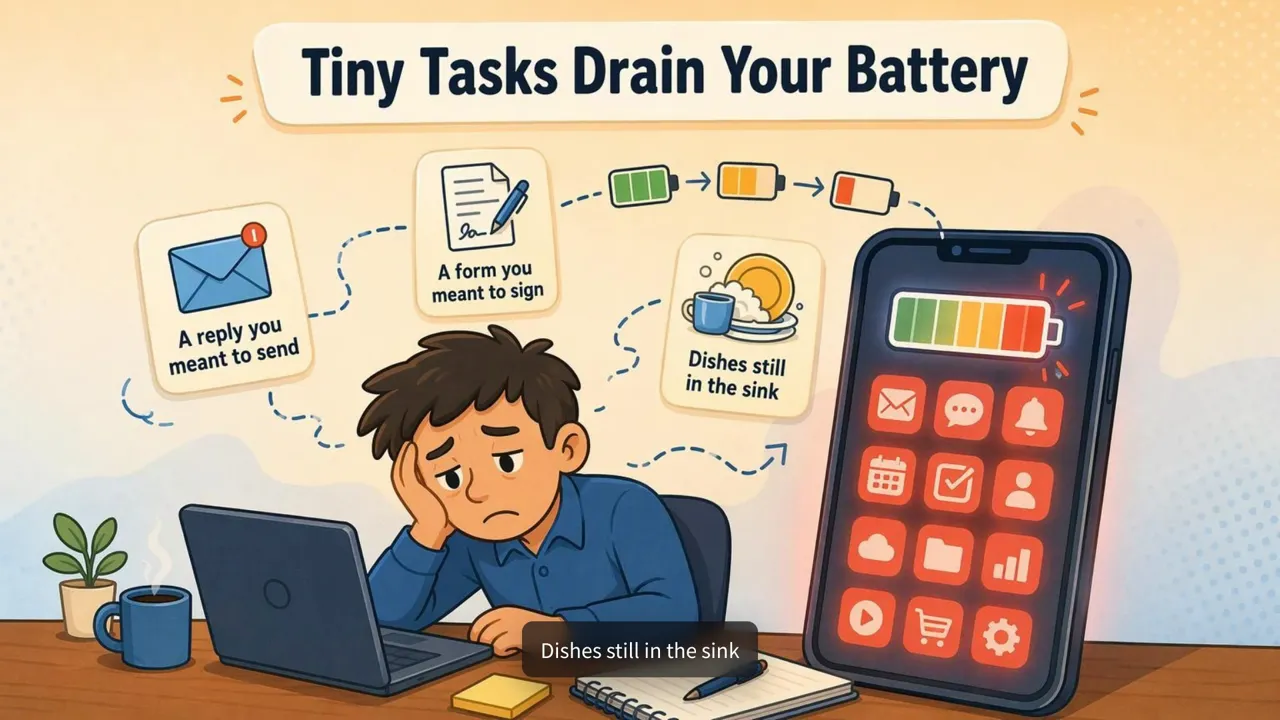
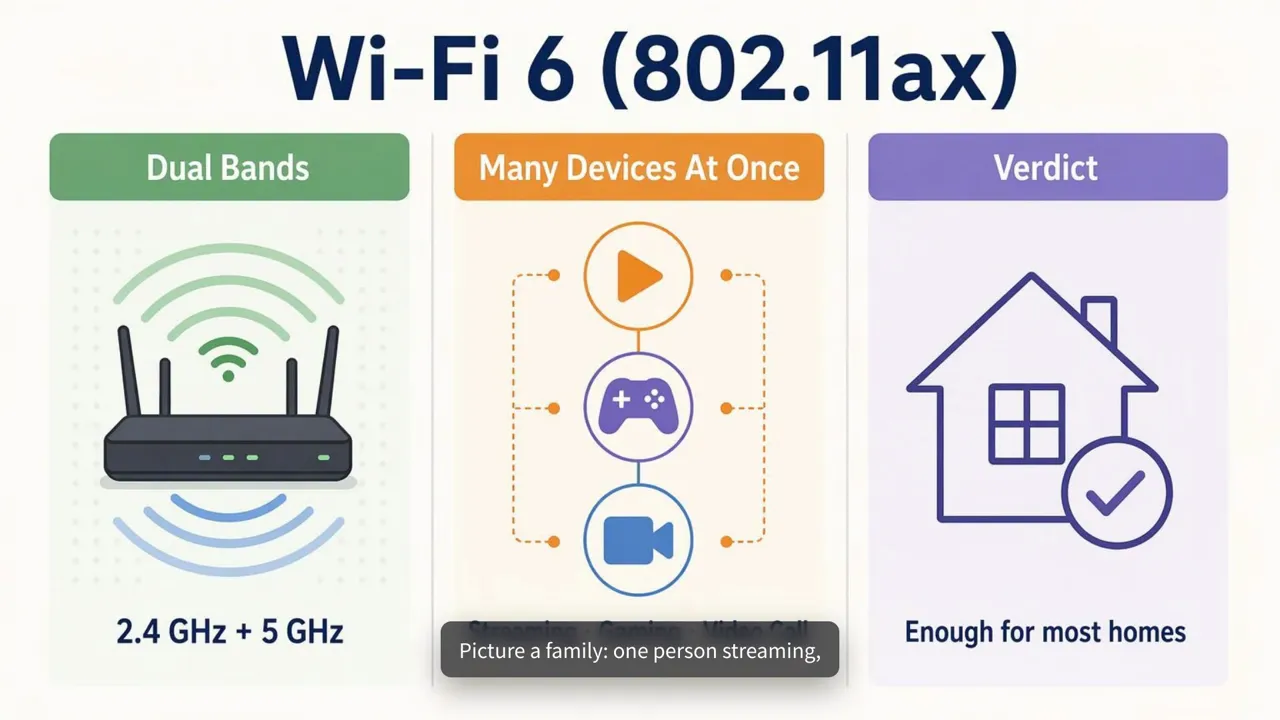
Lays out images, diagrams and figures on a canvas. Good for numbers, timelines and step-by-step explanations.
See an example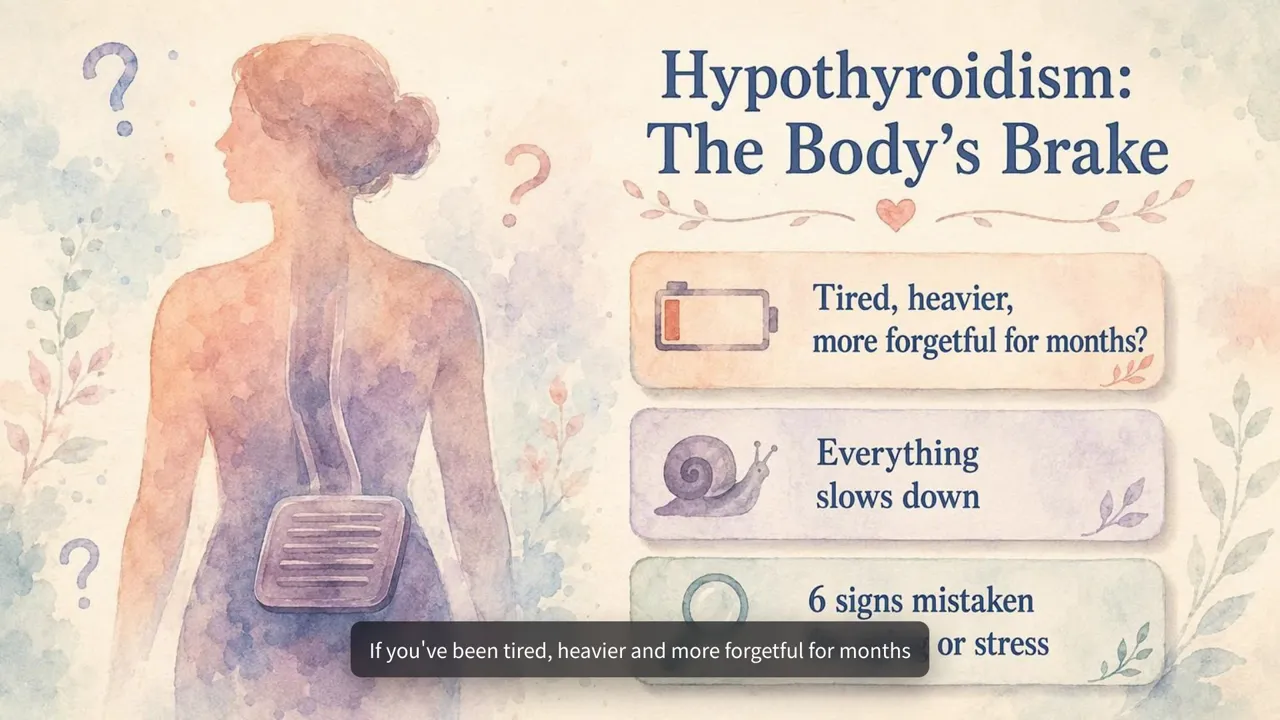 1:58
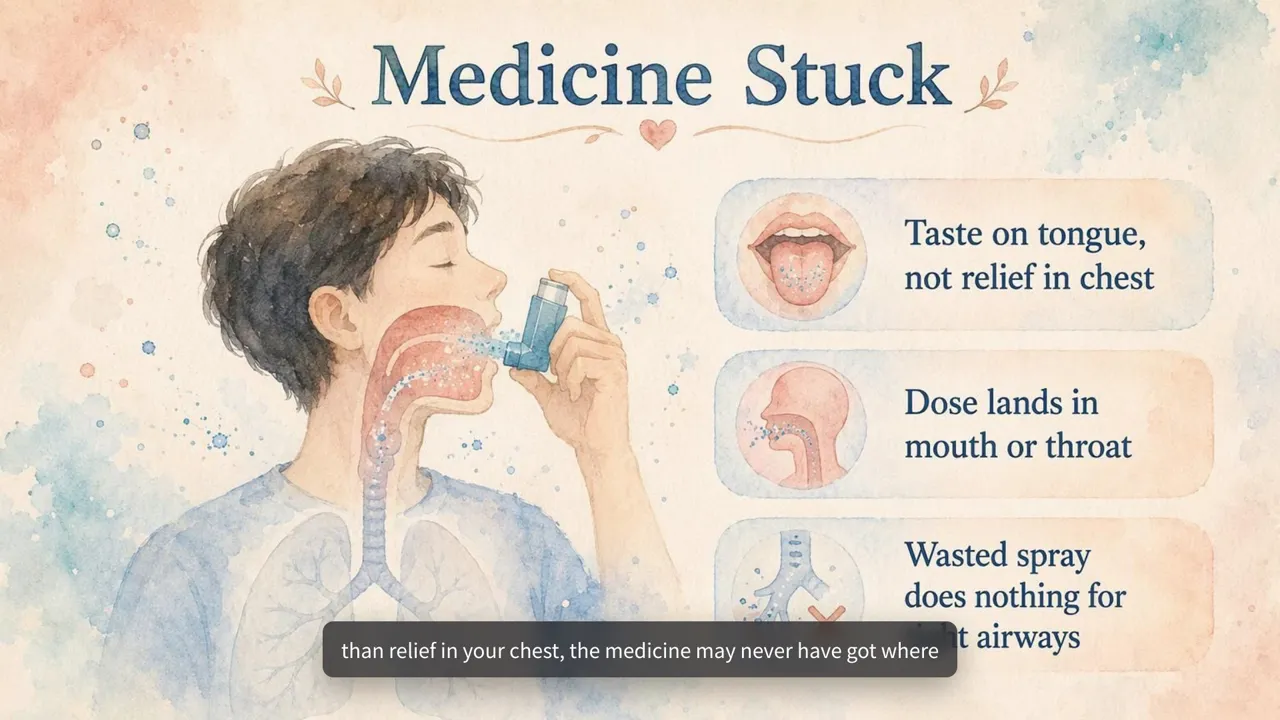
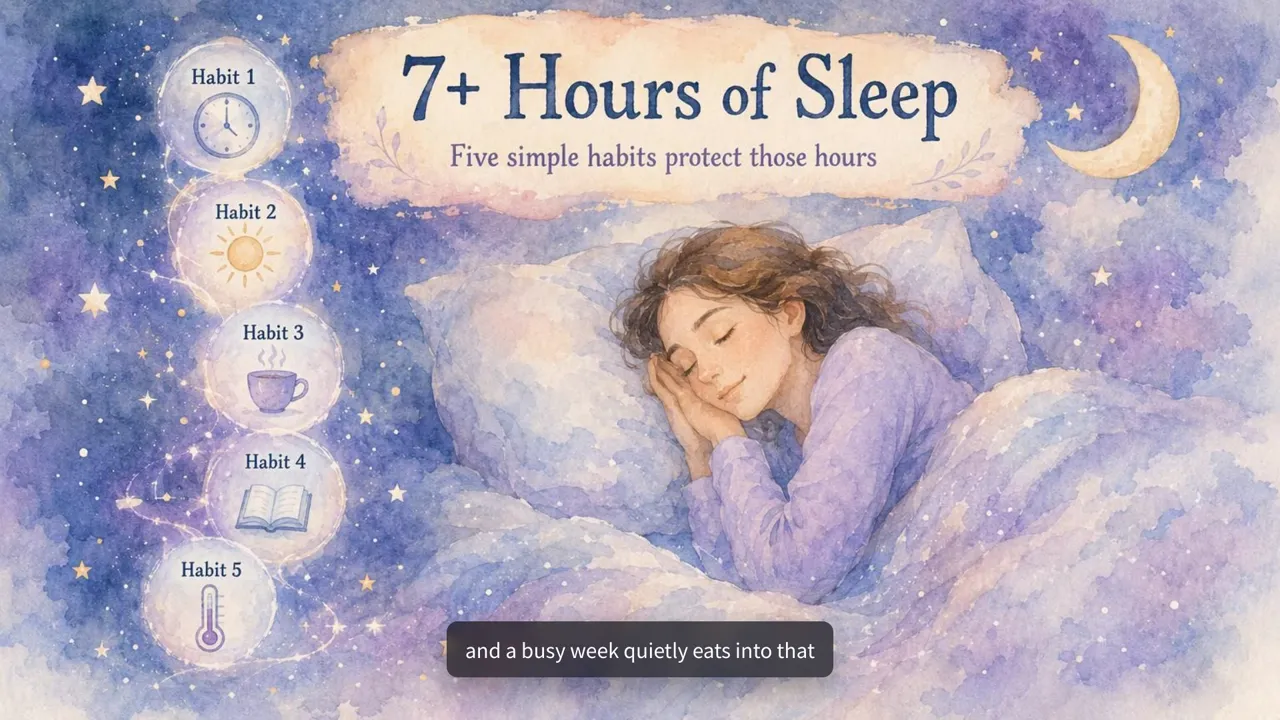
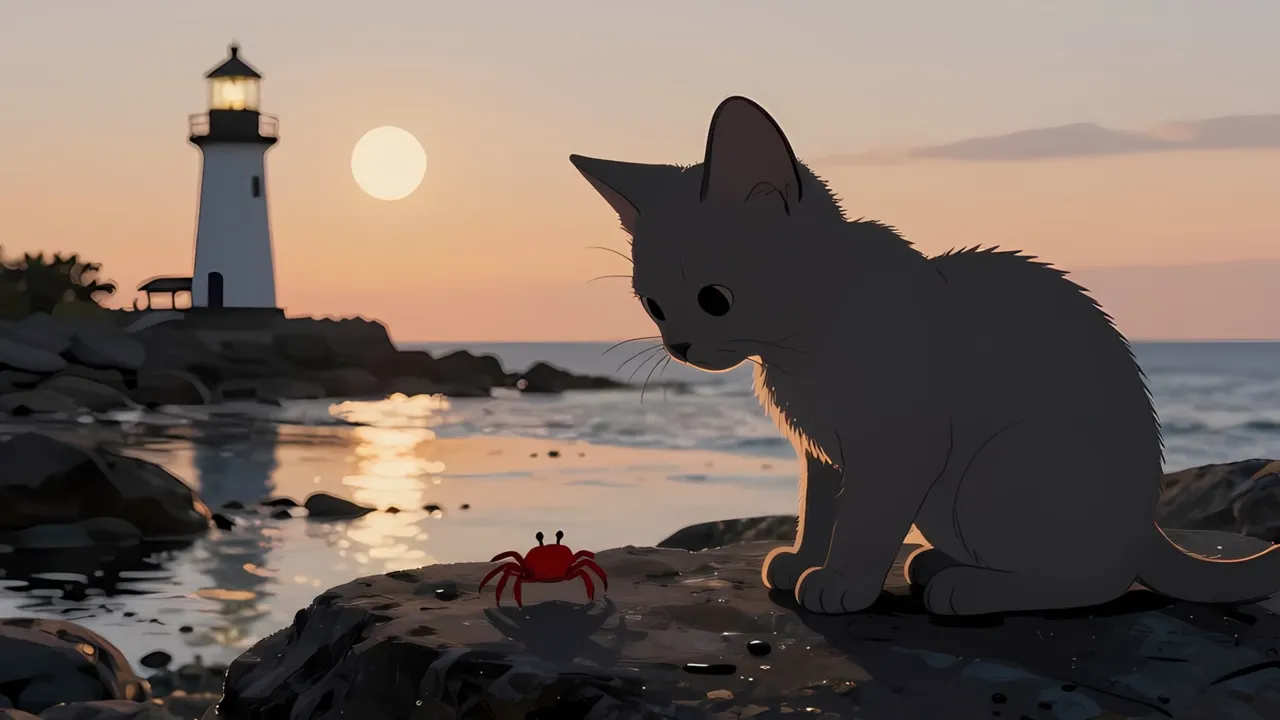
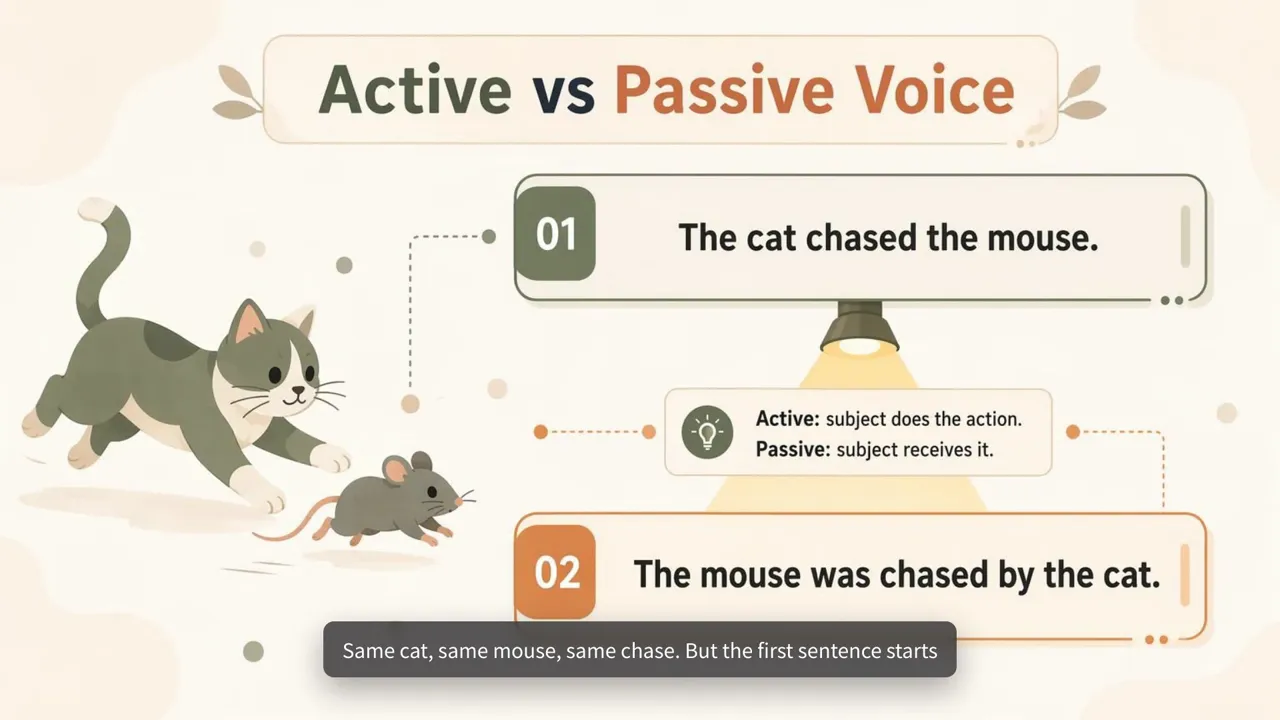
Image Video
Draws a new illustration for every page or point. Good for patient guides, lessons and how-tos.
See an example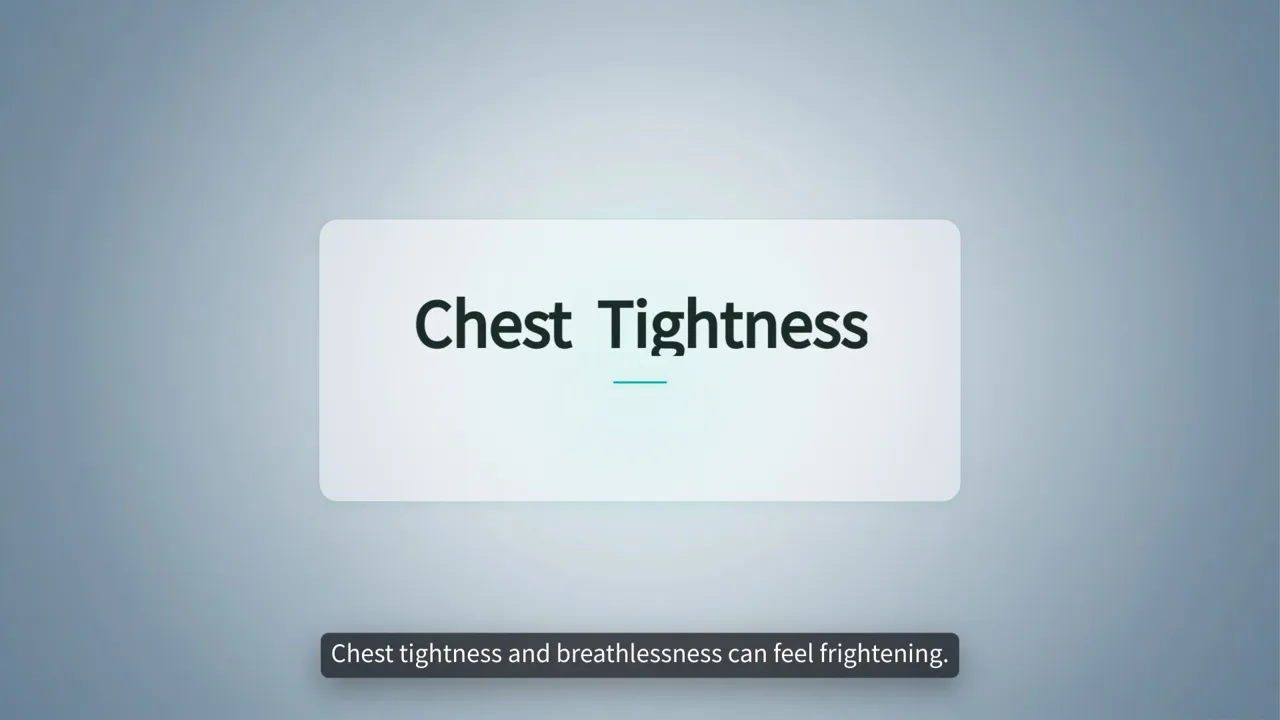 2:00
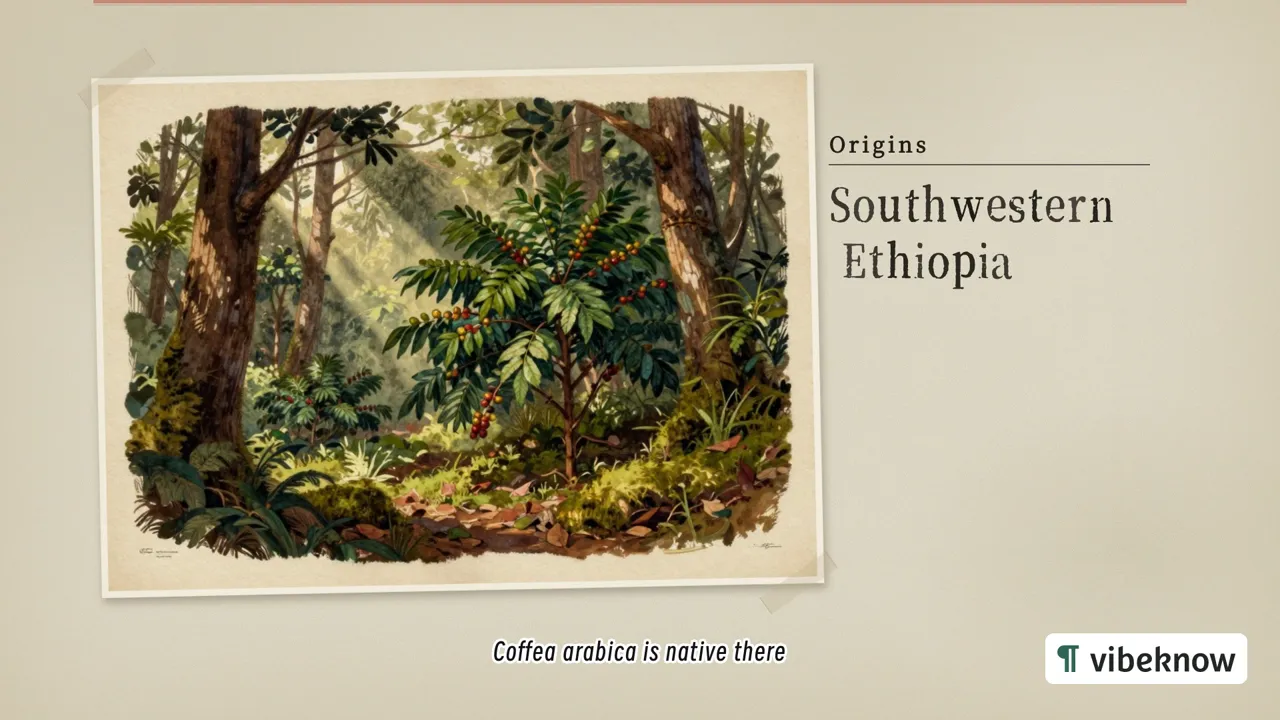
Slide Video
A page-by-page walkthrough. Upload a deck and it can keep every slide as you made it, adding only the narration.
See an example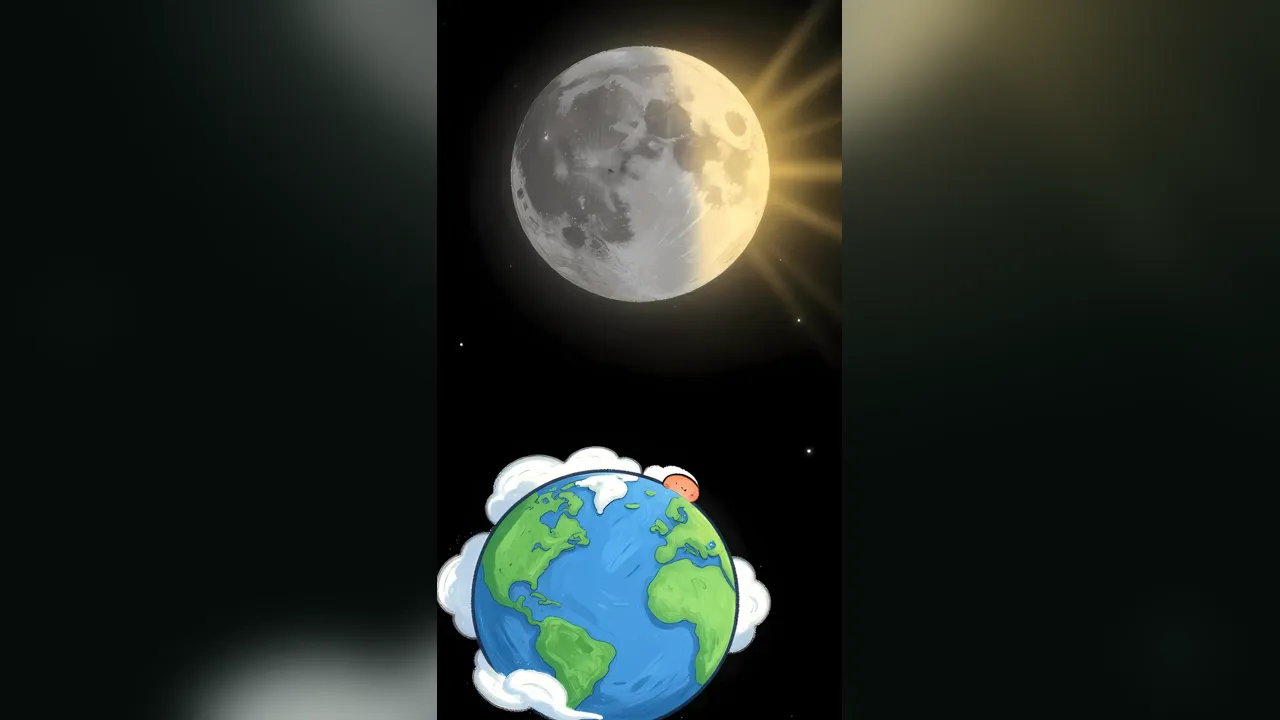 3:13
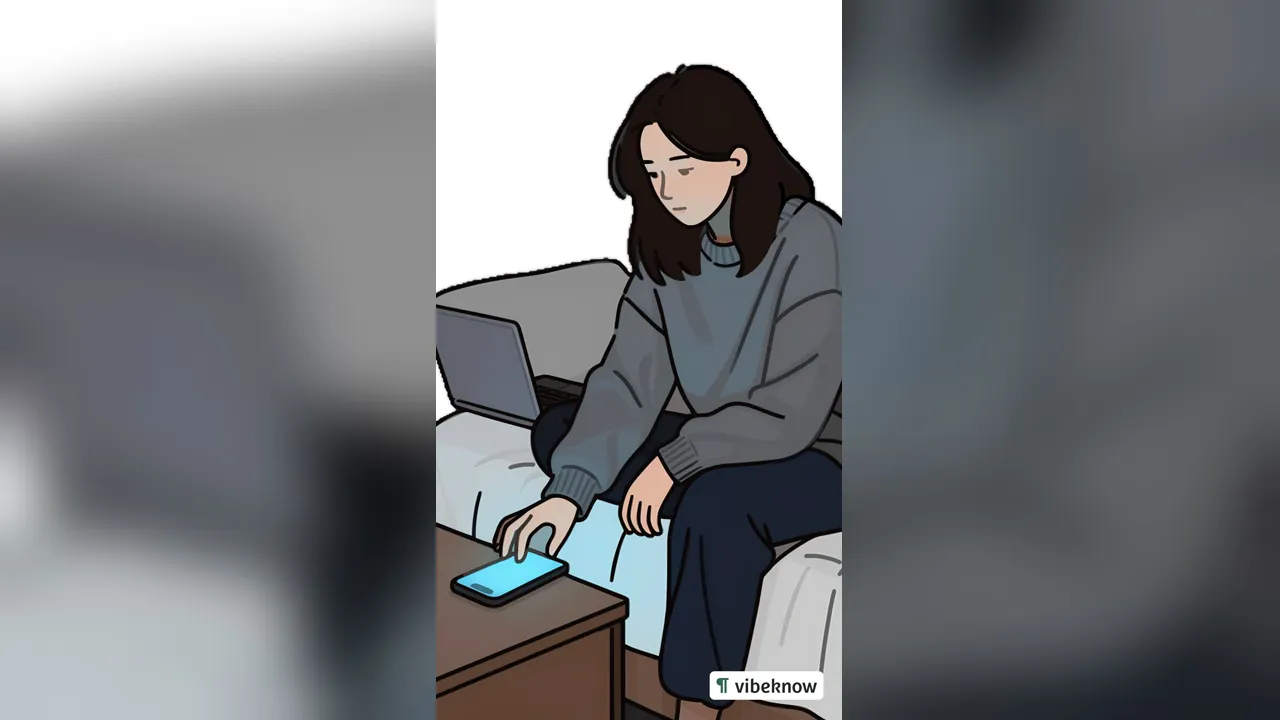
Hand-drawn
Draws each scene stroke by stroke as the narration goes. Good for stories and younger audiences.
See an example
Showcase

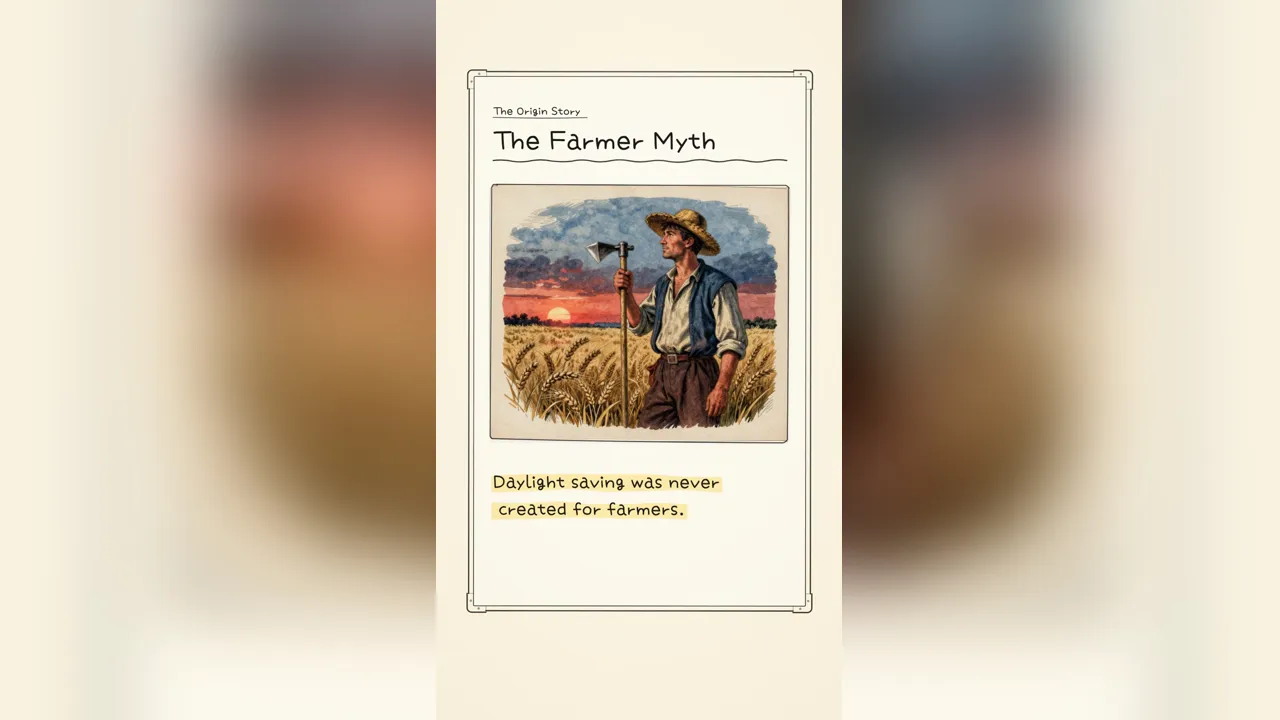
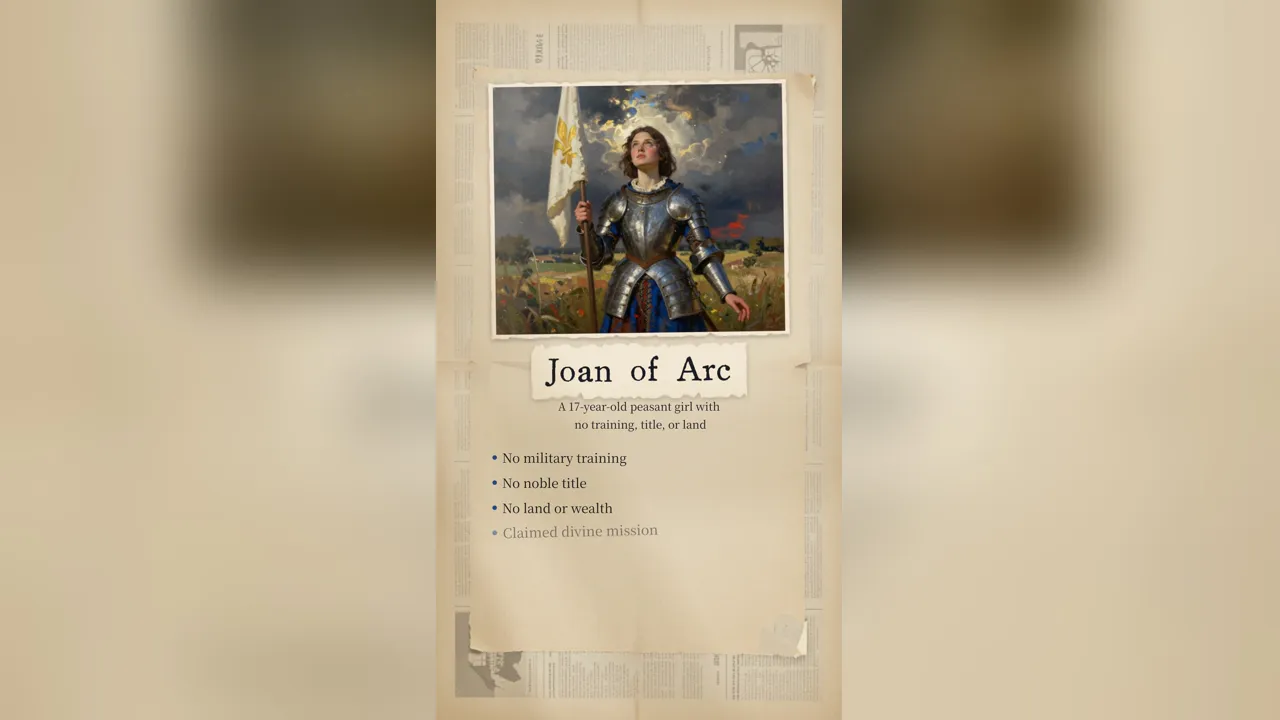

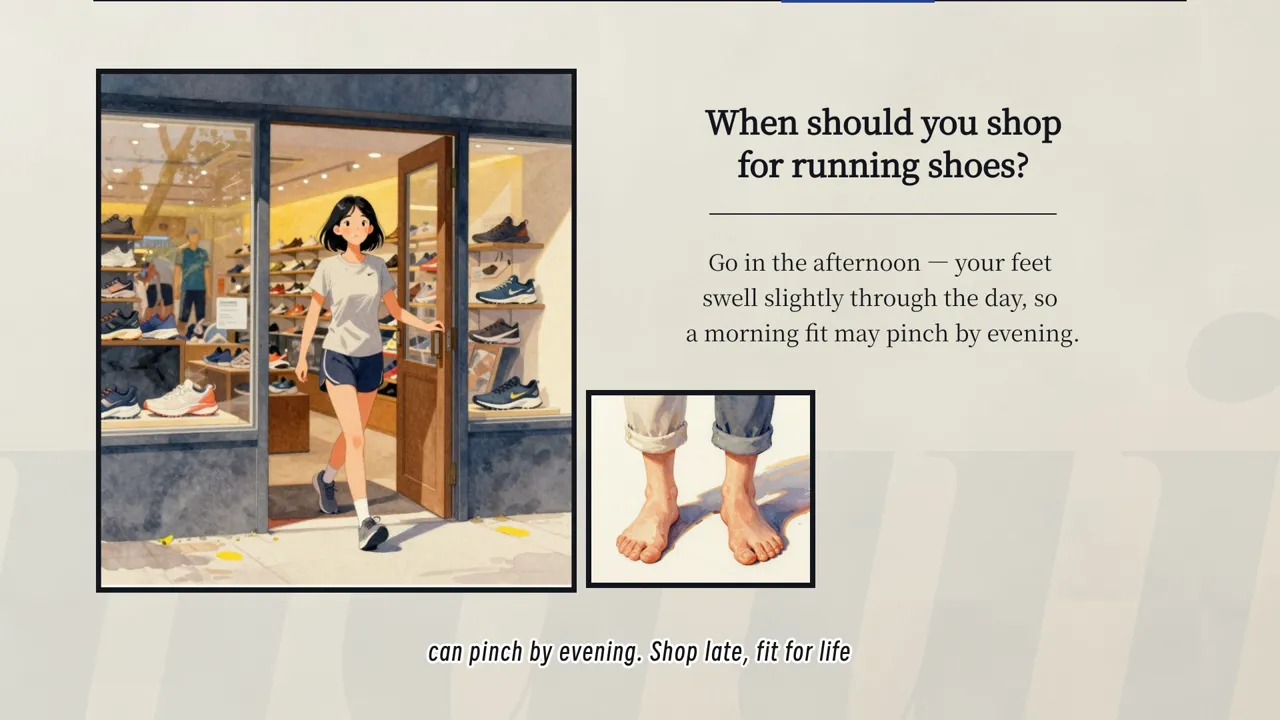
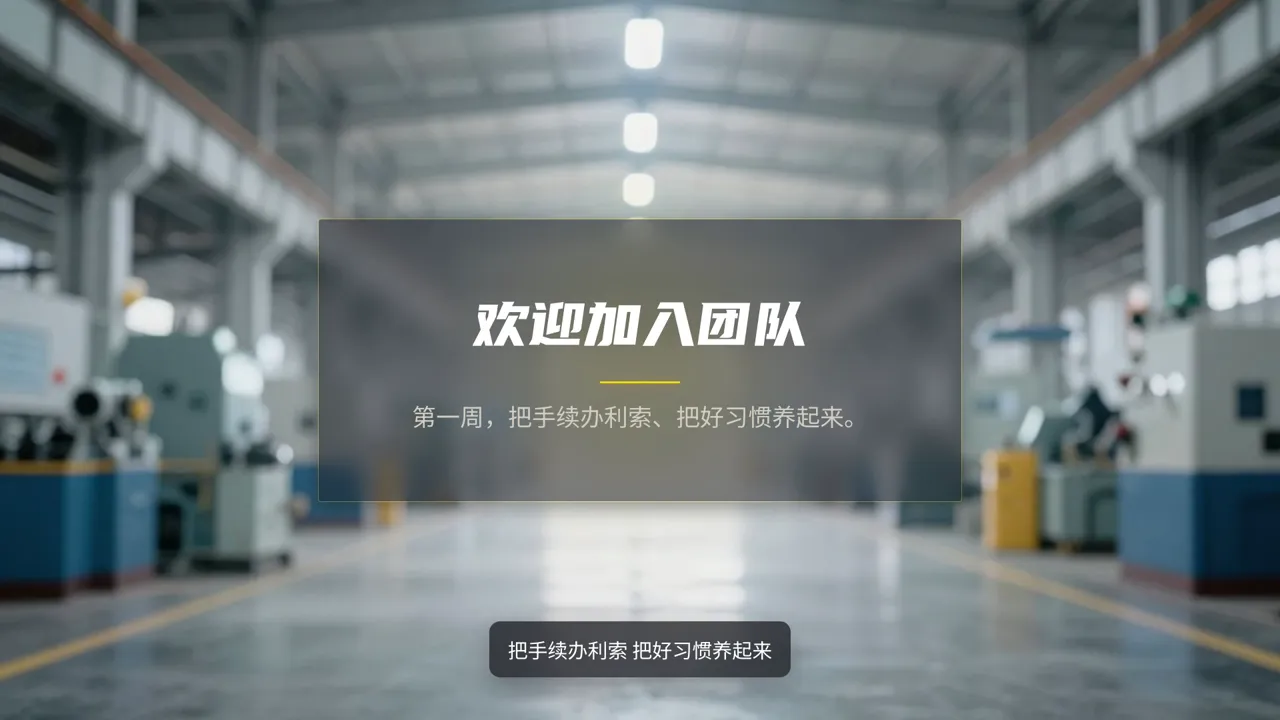





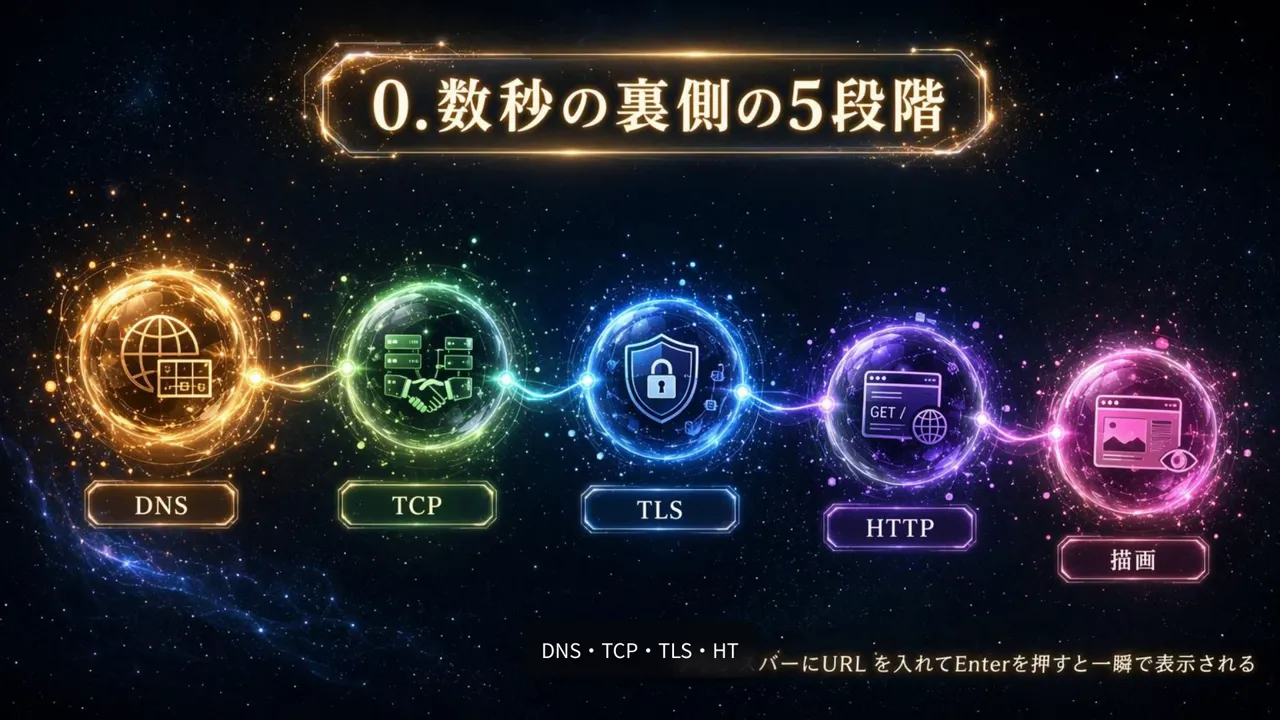
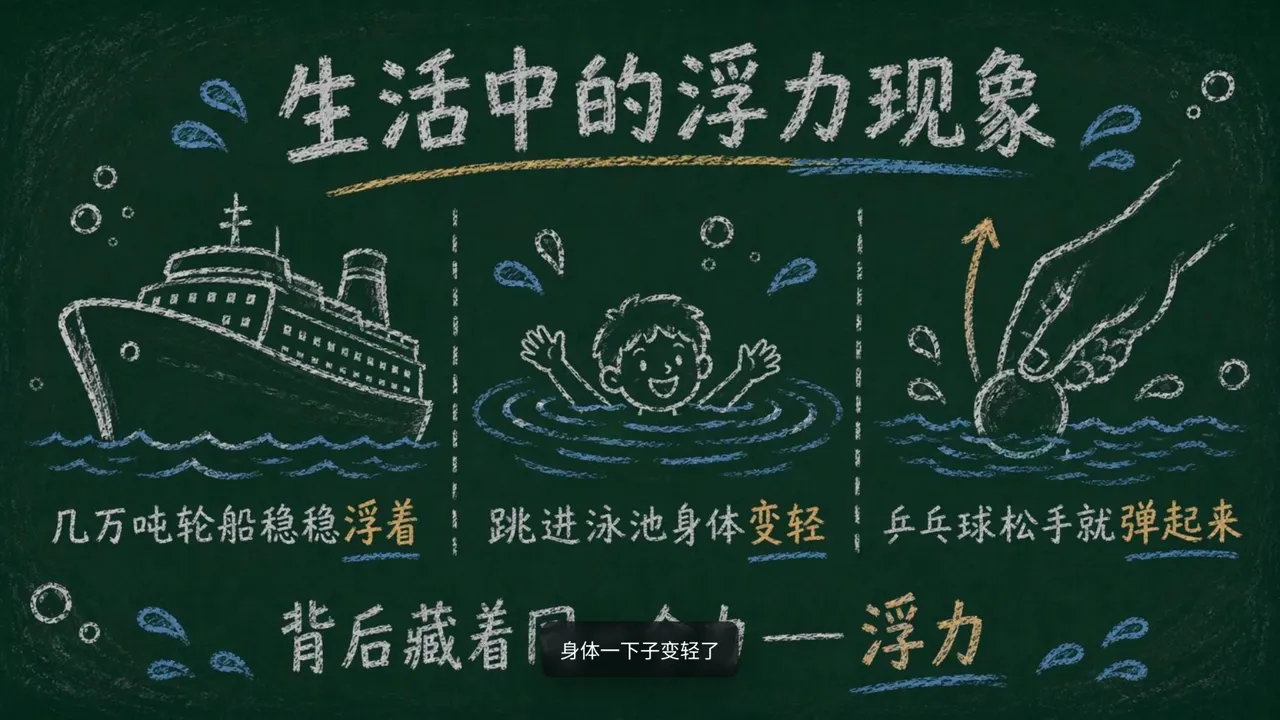


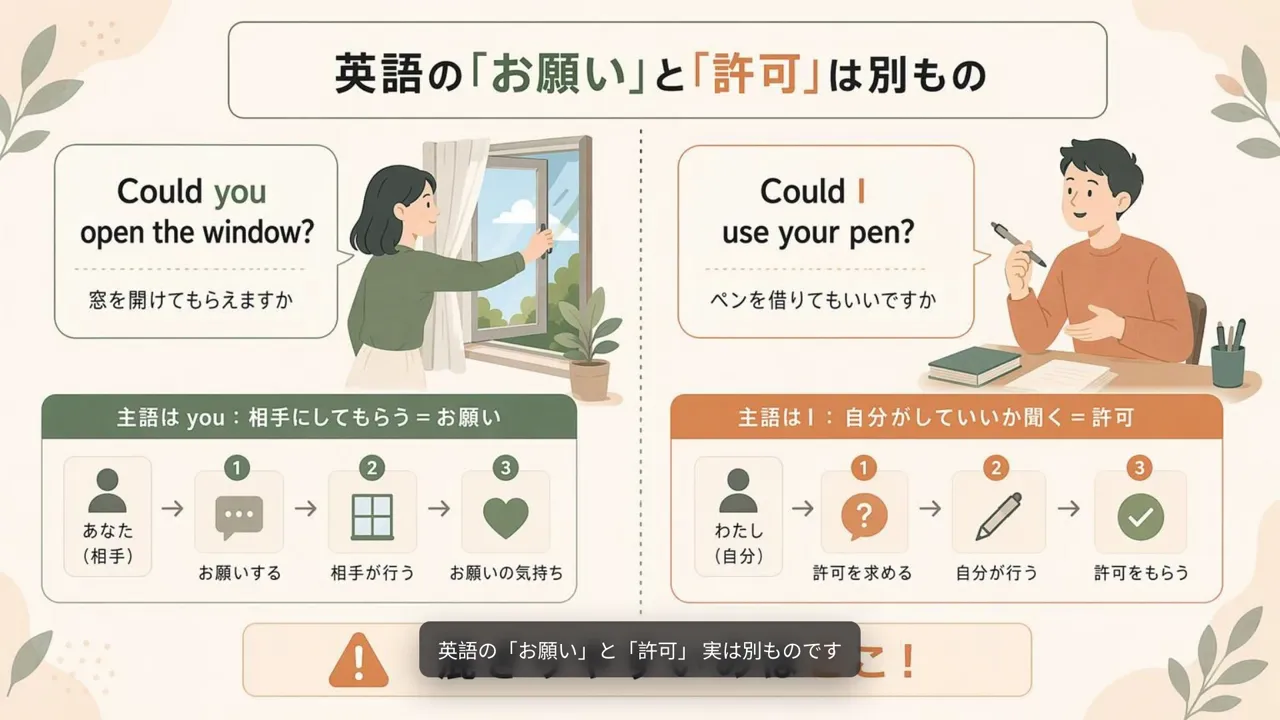
From document to video in three steps
 01
Upload what you have
A PDF, Word file, slide deck, TXT or Markdown up to 50 MB. You can also paste a script or a link.
 02
Say who it's for
Add the audience and length, then pick a mode, a style and a narration language.
 03
Review and export
Change the narration, redesign a scene or edit the text on it, then download the MP4, script and captions.
FAQ
Common questions about making these videos with VibeKnow.

What kinds of videos can I make?
Explainer videos with narration: onboarding and process videos, patient education, lessons, stories and topic explainers. Each one is built from a document, a script or a web page.
What do I need to start?
A file you already have: PDF, Word, PowerPoint, TXT or Markdown, up to 50 MB. You can also paste a script or a link.
Are these examples real?
Yes. Every video on these pages was made with VibeKnow and is shown in full, exactly as exported.
Is it free to try?
You can start free. Sign up and you get 400 free credits, no card required. Exports on the free plan carry a watermark; paid plans remove it.
Can I edit the video before I share it?
Yes. Change the narration, redesign a scene or edit the text on it, then export.
Got a document worth explaining?
Upload it and watch the first version in minutes. You can change anything before you share it.