
Training videos from the handbook you already have
Onboarding guides, SOPs and training decks already hold what people need to know. VibeKnow turns them into short videos your team can watch and replay.
- PDF, Word, PPT, TXT, MDUpload files up to 50 MB
- 8 narration languagesIncluding English, Spanish, Japanese and Korean
- MP4, script, captionsDownload together or one by one
- 16:9 or 9:16Landscape or vertical
What gets in the way, and how VibeKnow helps
Handbooks and SOPs get written, then go unread.
Upload the manual you already have and get a short narrated video new hires can rewatch any time.
Filming a training video takes a trainer, a camera and an afternoon.
Nothing to film or edit: narration, visuals and music are generated, and you fix the wording before you export.
Procedures change and old videos go out of date.
Regenerate just the chapter that changed, or make a new version from the updated document.
Not everyone on the team reads the same language.
Narration comes in 8 languages, picked from the voice menu.
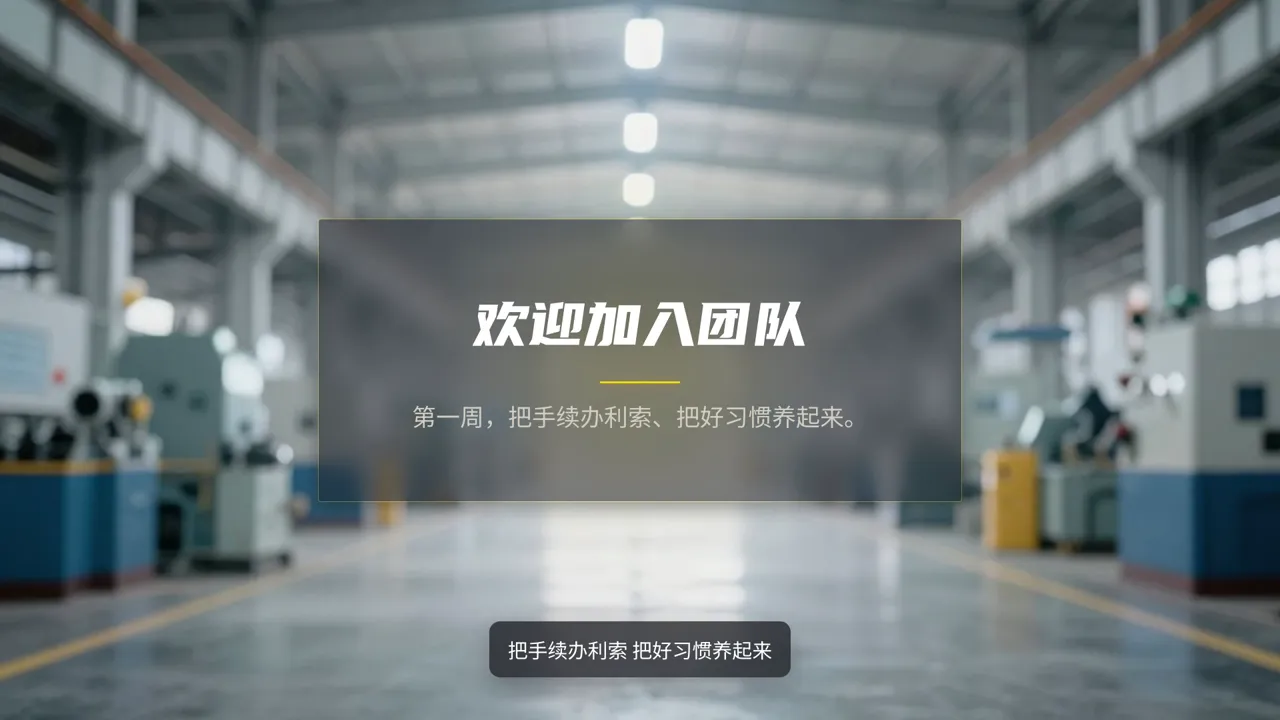

Why people watch a video they would never read
The handbook nobody opens twice
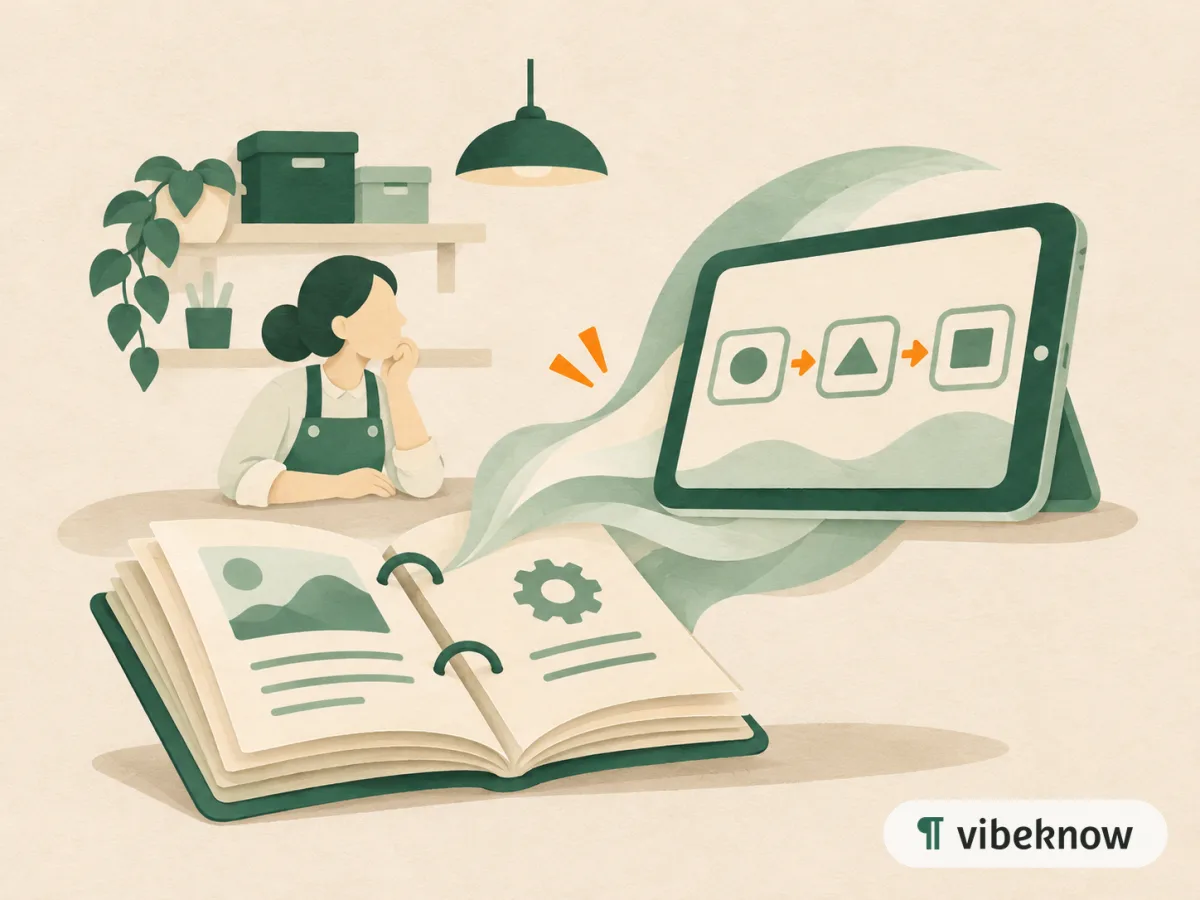
You spent weeks on the onboarding guide. A new starter skims it on day one, then on day three asks a teammate who approves expenses and how to get system access. The answer was on page 14. A short video changes how people meet that information: they watch it once, it sticks, and they can find the two minutes they forgot and play them again.
Where the videos end up
Link it in the welcome email, put it on the intranet next to the PDF, add it to a course in your LMS, or loop it on a tablet in the back room. The MP4, the script and the captions download together, so the lesson still works where the sound has to stay off.
Which mode to pick
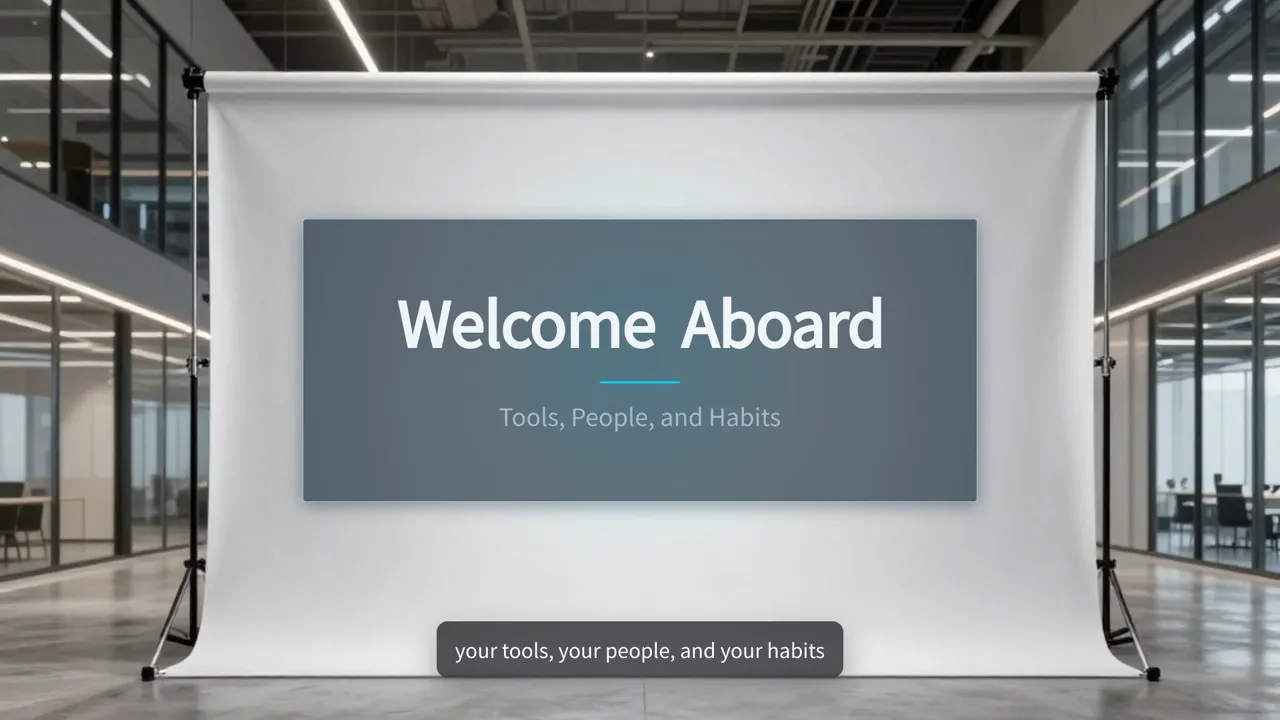
Already have a training deck? Slide Video keeps every slide as you made it and adds the narration. A written SOP reads well as Image Video, with an illustration for each step. For hands-on tasks, Hand-drawn draws each scene stroke by stroke as the narration goes.
What teams turn into training videos
Start with the document. These are the usual pairings.
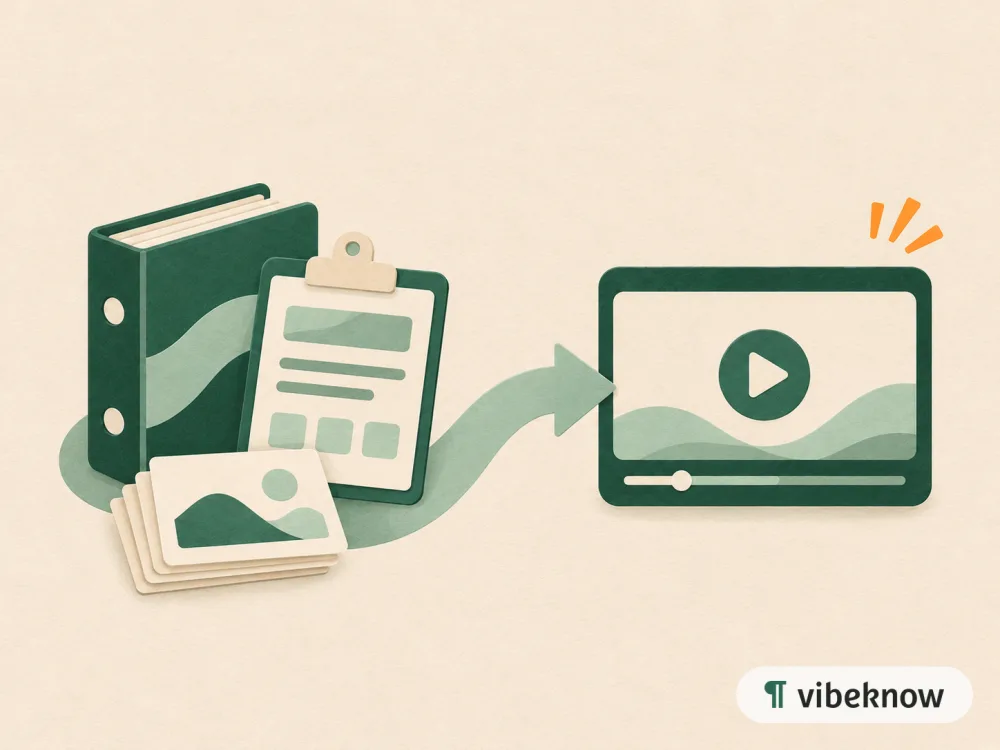
- New-hire handbookOnboarding video
- SOP or work instructionStep-by-step process video
- Policy documentPolicy explainer
- Safety procedureSafety briefing
- Existing training deckNarrated slide video
FAQ
Questions about training and onboarding videos.

Can I keep my existing training slides?
Yes. Upload the deck and turn on “Narrate my slides as-is”: every slide stays as you made it, and VibeKnow adds the narration. Speaker notes can be the script.
Can I put the videos in our LMS?
Yes, if it accepts video files. Download the MP4 and upload it like any other video.
Can I add our logo?
Yes. Custom logos and watermarks are on paid plans. Set them up once and new videos carry them.
What happens when a process changes?
Open the chapter that changed and redesign that scene or edit its text, or upload the updated document and generate a new video.
Which training document should go first?
Upload it and watch the first version in minutes.