
Turn what you know into a video people watch.
Start with your first video, then find the way of making videos that suits your material.
Your first video, step by step.
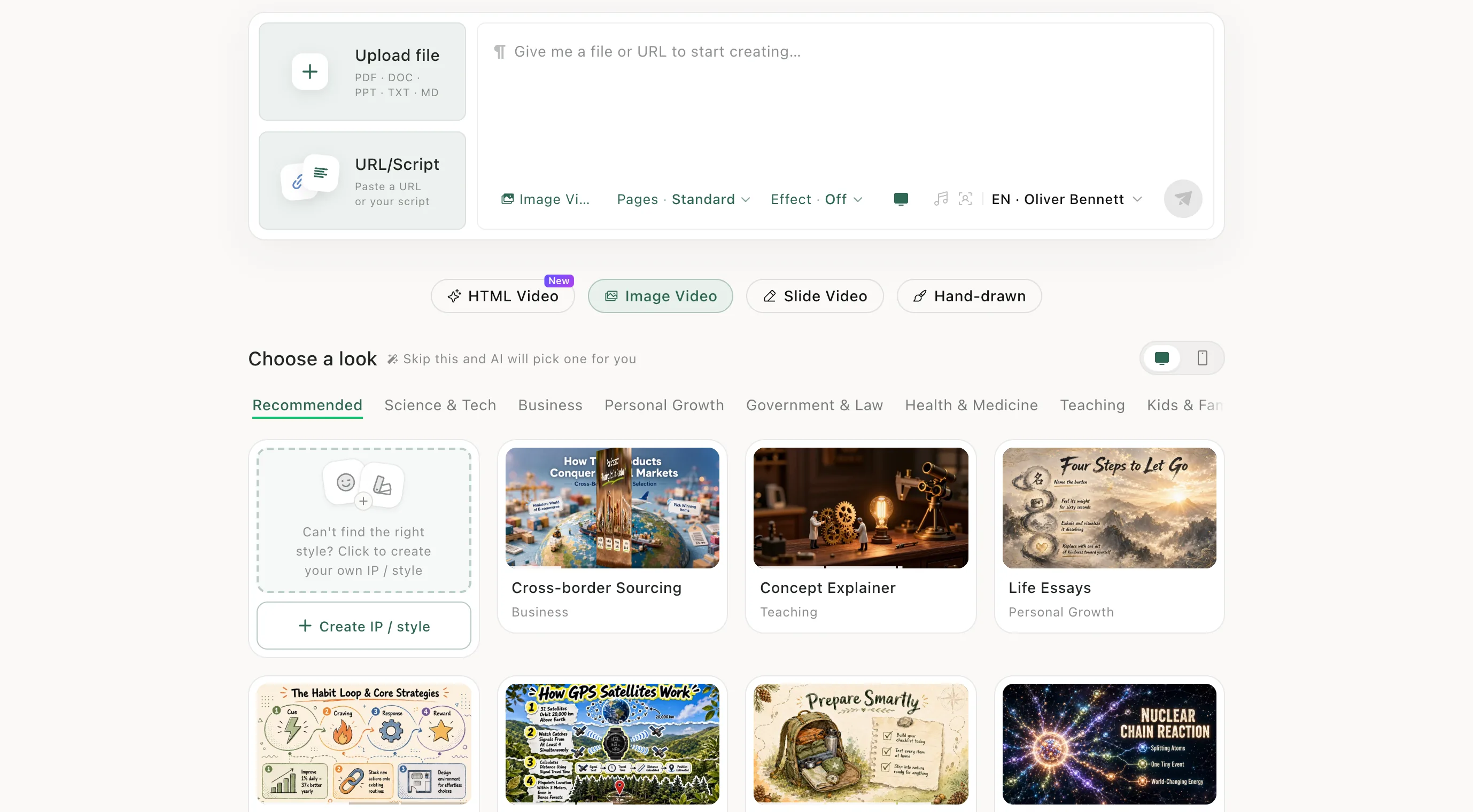
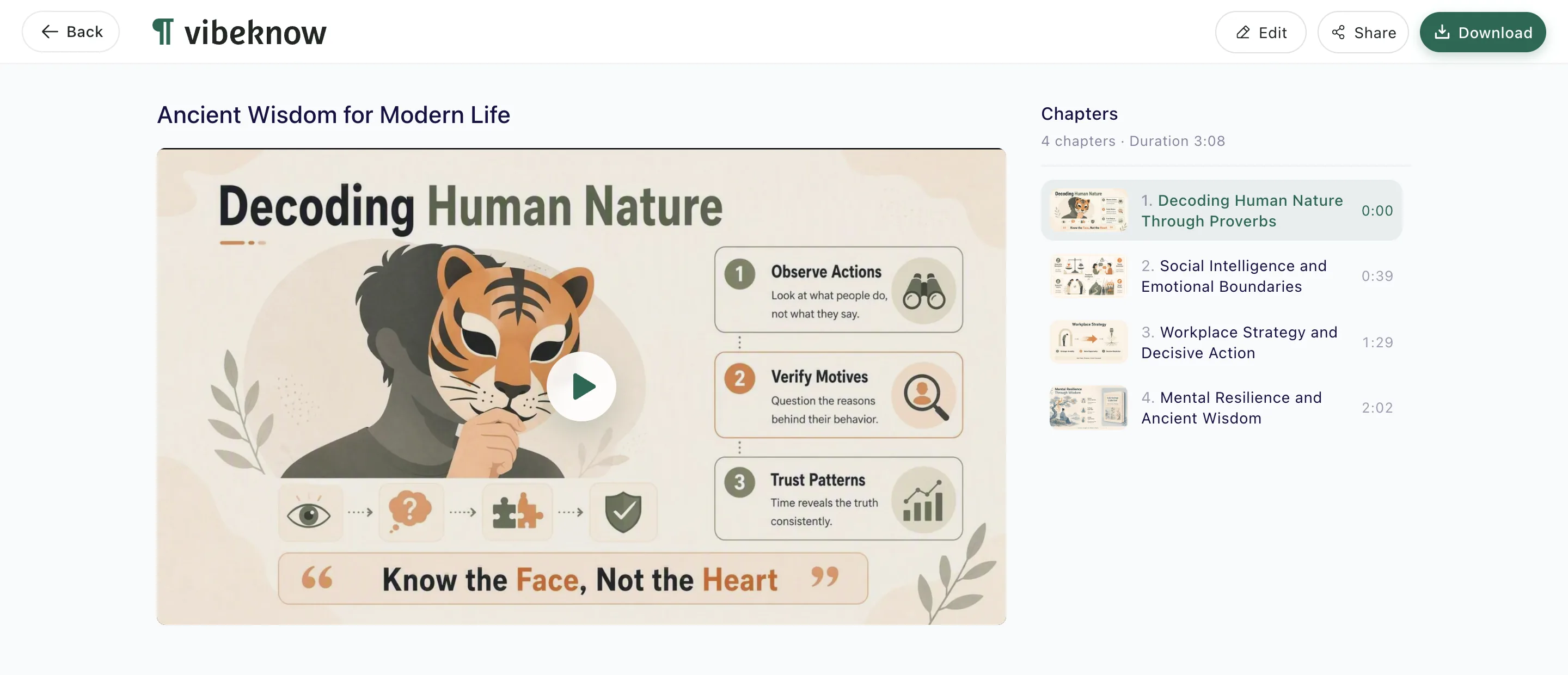
Upload a file, pick a video type, send — then edit and download. Seven steps, one screenshot each.
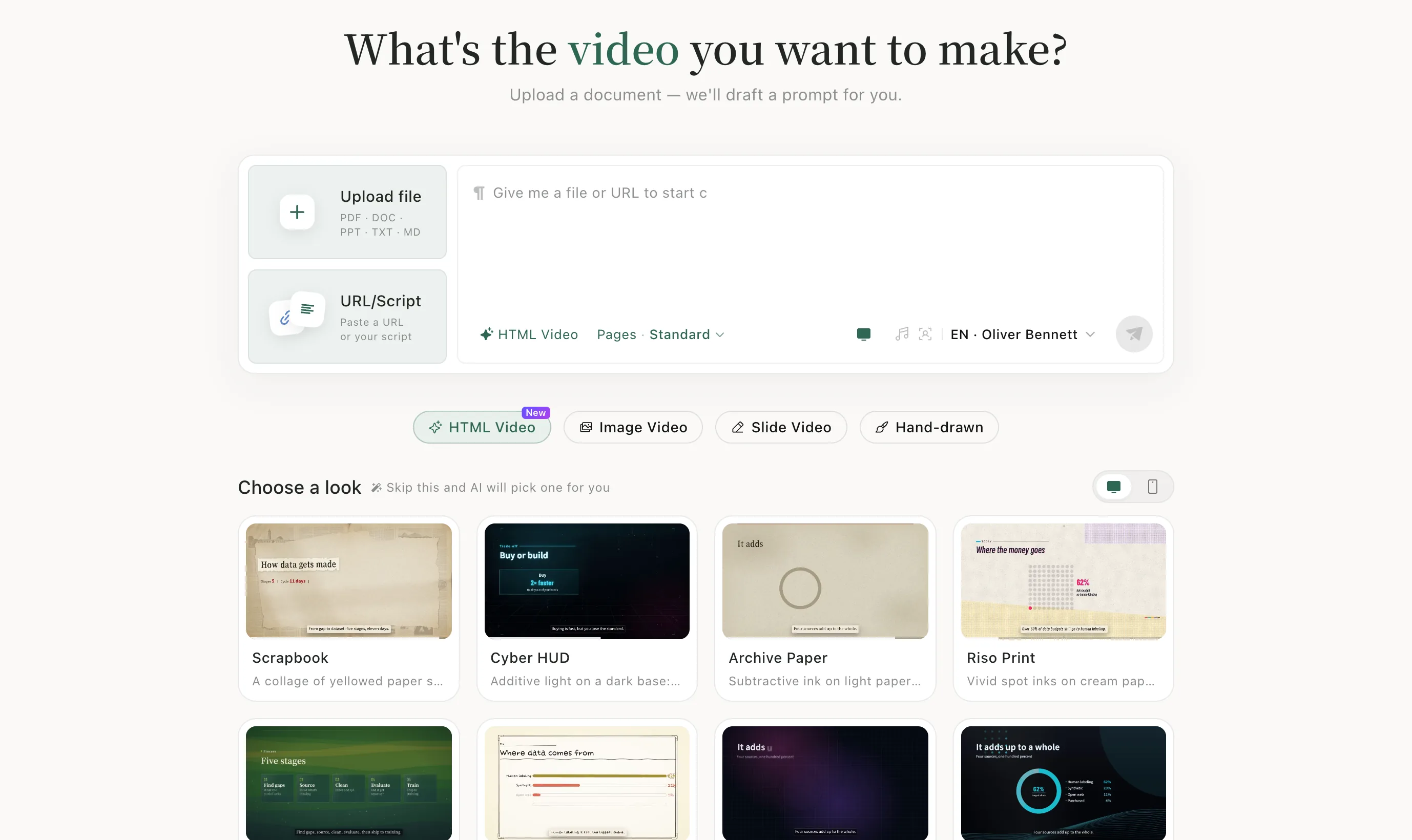
What kind of video do you want?
Start from what you have, and pick the way that fits it.
HTML Video
Images and graphics laid out on a canvas, in landscape or portrait.
Image Video
The AI draws the visuals for every page, then adds voiceover and transitions.
Slide Video
A slide-by-slide explainer. Edit the text, images and narration on any slide.
Hand-drawn
Pictures redrawn stroke by stroke, like a sketch or whiteboard animation.
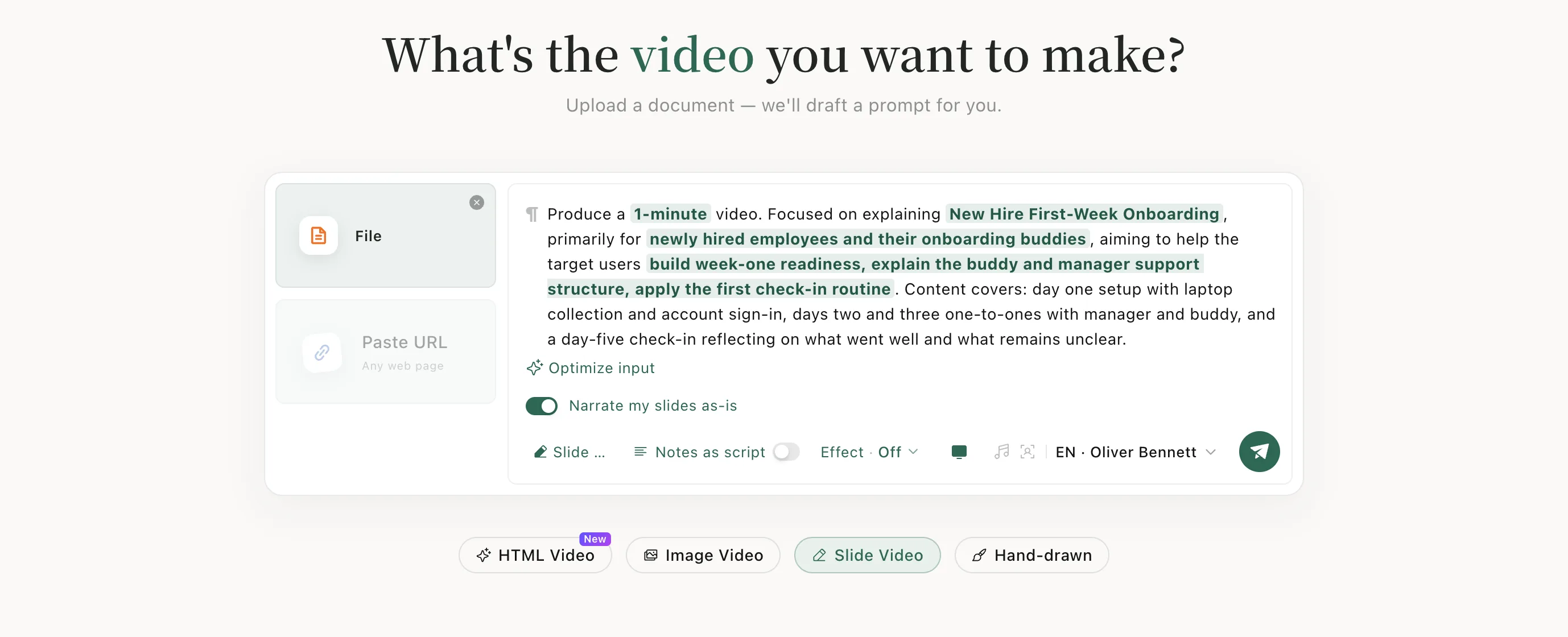
Narrate my slides as-is
Keep your PPT or PDF exactly as designed and add narration page by page.
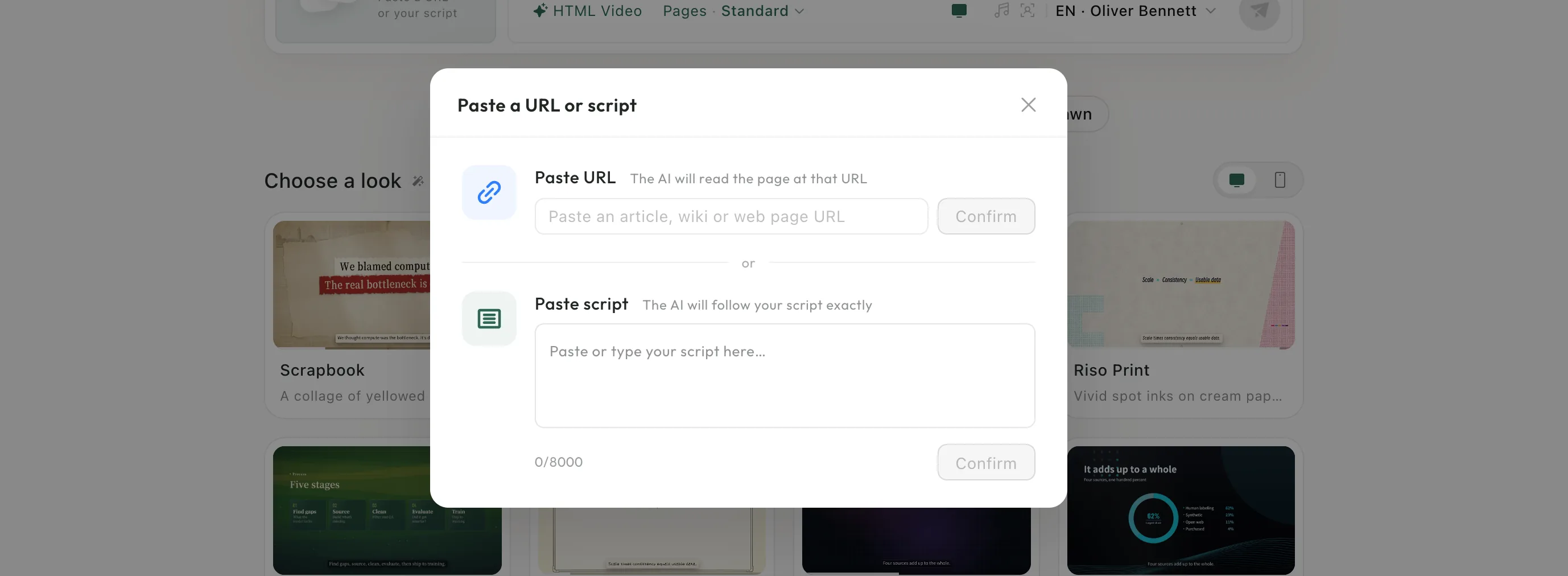
Narrate your own script
Paste the script you wrote and the AI follows it exactly.
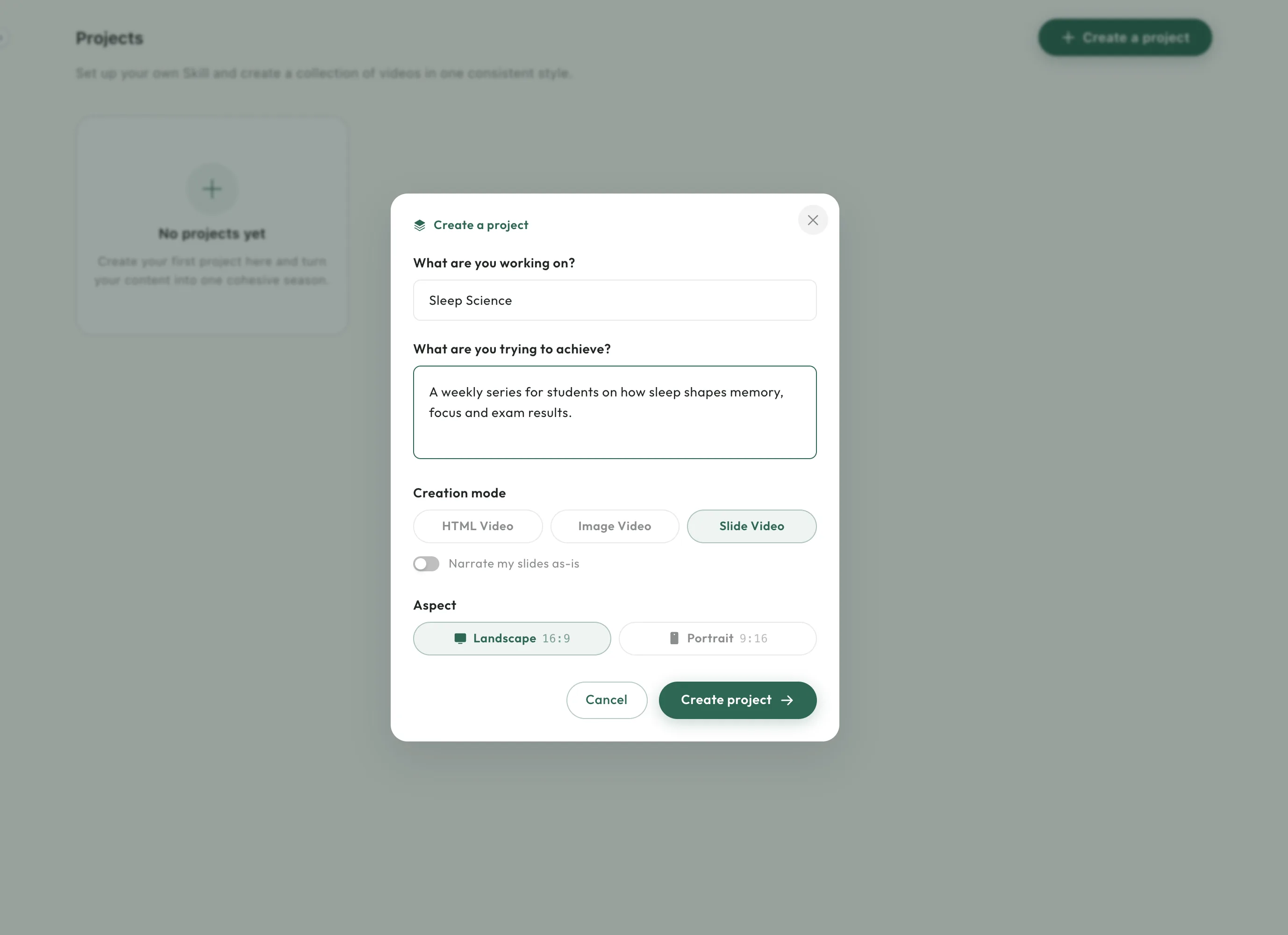
Projects
Set up a project once and make every video in it in one consistent style.
Make it look like yours
Got a question? Start here.
The FAQ covers files, video types and downloads. Anything else, email support@vibeknow.com.