
Science explainers that show how things work
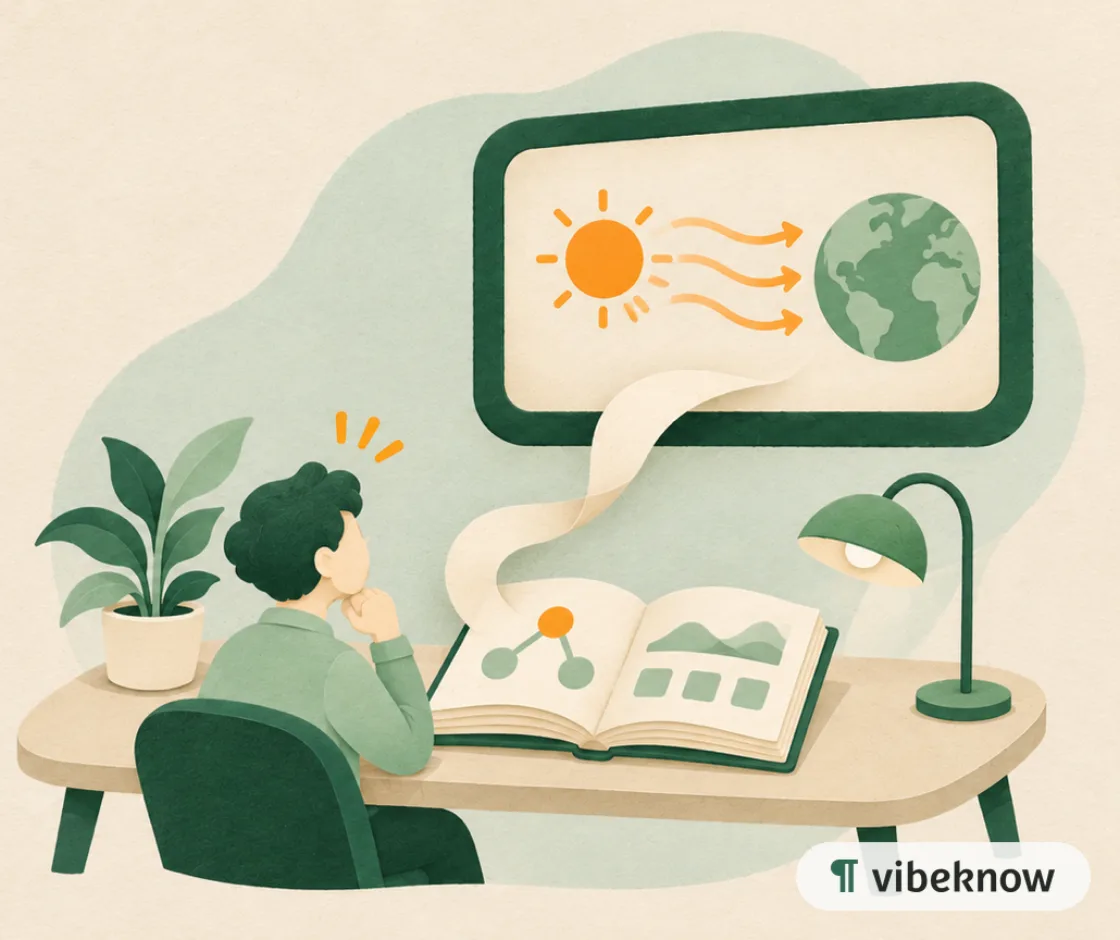
Upload your notes or an article on a topic, and get a narrated video where diagrams and illustrations move with the explanation.
- PDF, Word, PPT, TXT, MDUpload files up to 50 MB
- 8 narration languagesIncluding English, Spanish, Japanese and Korean
- MP4, script, captionsDownload together or one by one
- 16:9 or 9:16Landscape or vertical
What gets in the way, and how VibeKnow helps
Abstract ideas are hard to picture from text alone.
Diagrams and illustrations move with the narration, one step at a time.
Stock footage rarely shows the exact mechanism you are explaining.
Visuals are generated for each scene, so the picture matches the explanation.
Animation takes skills and hours you don't have.
Upload notes or an article; no animation software needed.
Science use cases

Showcase
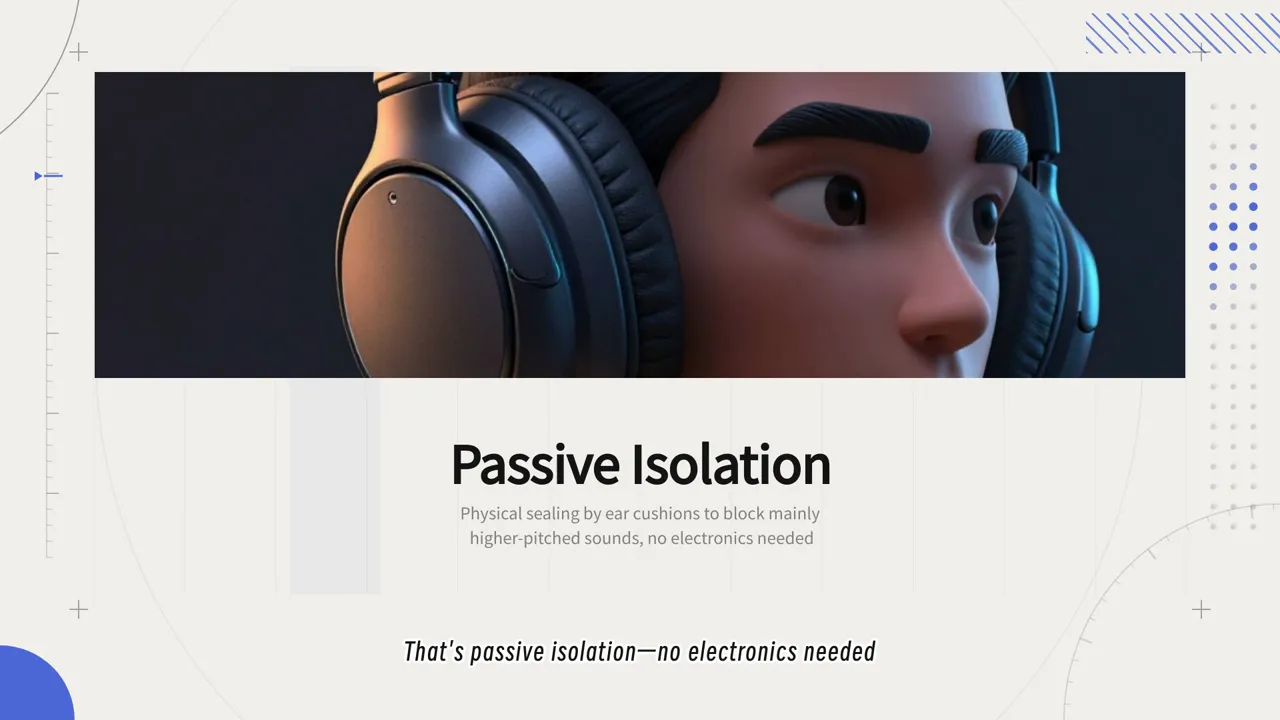
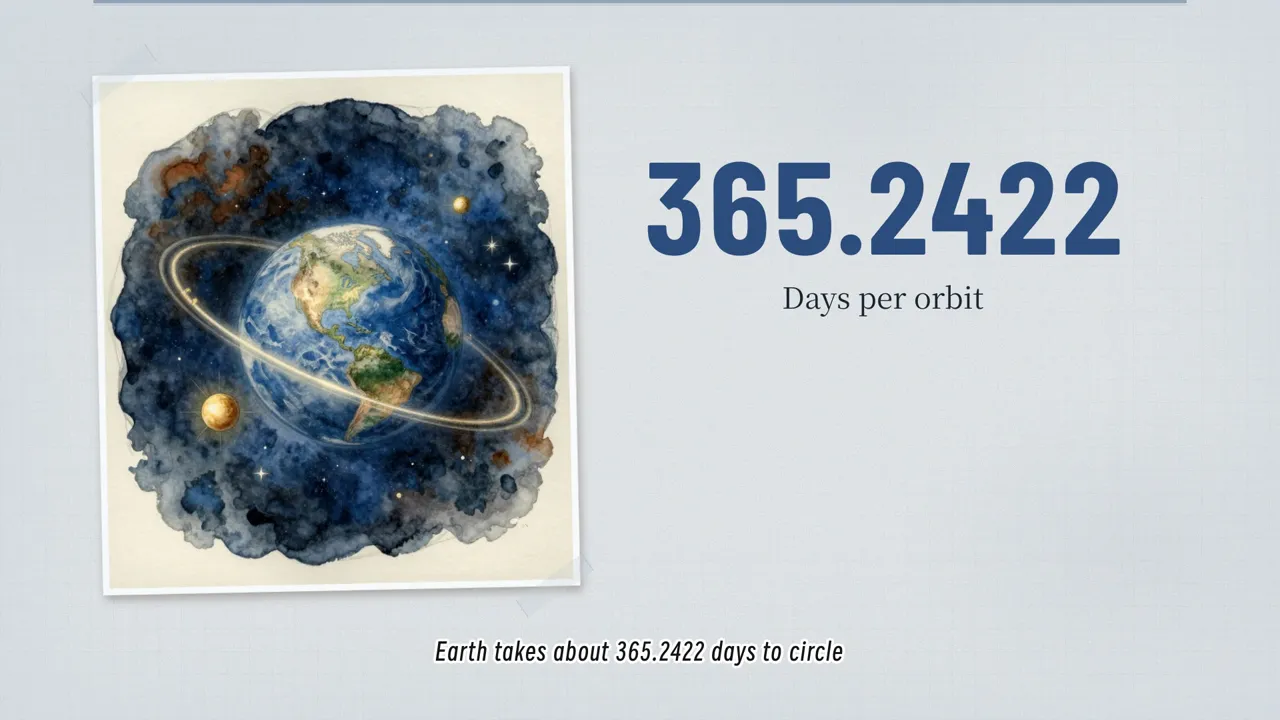
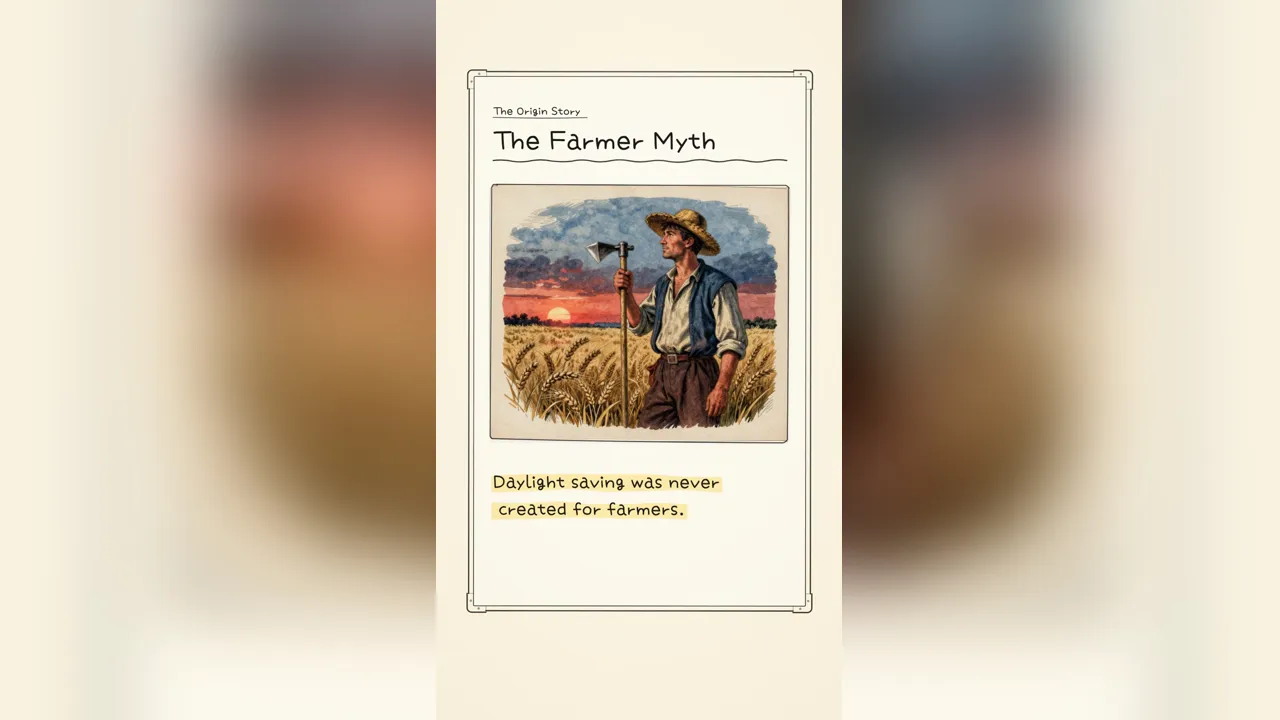

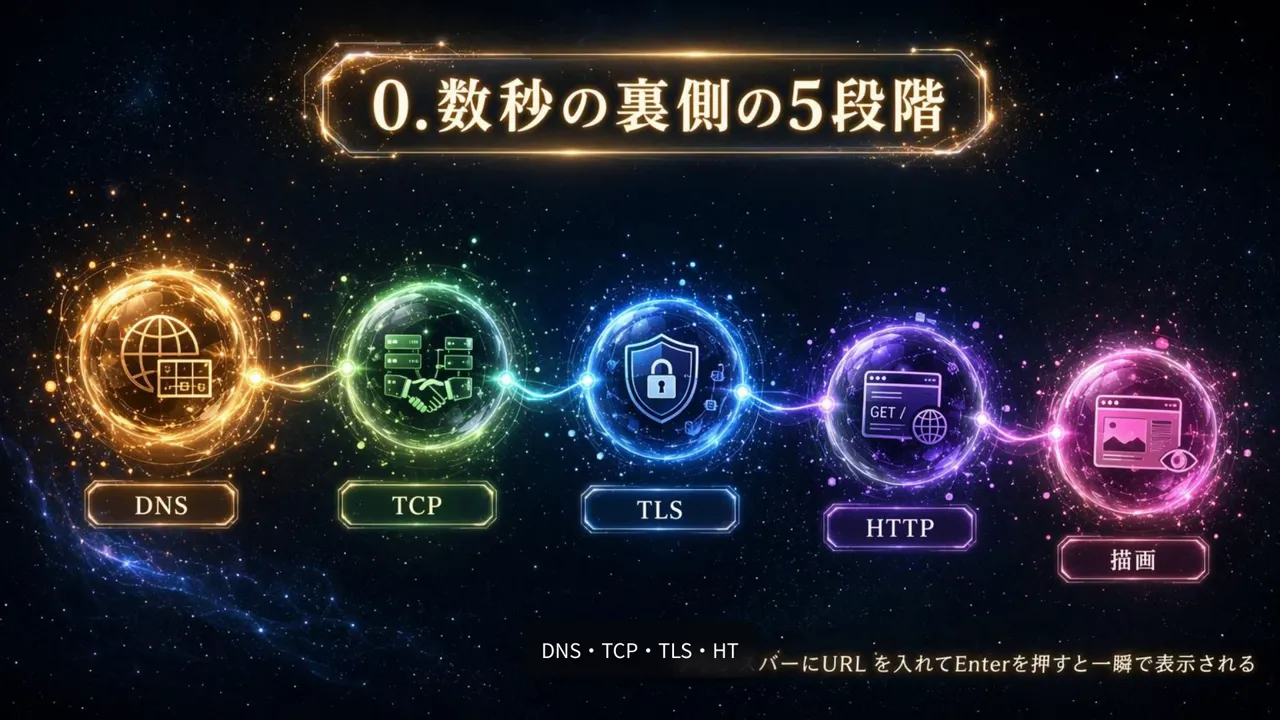
Explaining how things work, without stock footage
A page of text and a diagram people skip
You know exactly why the sky is blue or how noise-cancelling headphones work. Written down, it becomes a long paragraph and a diagram readers scroll past. Spoken over a picture that changes with each step, the same idea comes across in two minutes.
Where the videos end up
Your channel, a course page, a museum or science-club screen, or a 9:16 version for Shorts and Reels.
Which mode to pick, and what to check
For a process with numbers, HTML Video lays out diagrams and labels on a canvas. For a fresh illustration at every step, use Image Video. Check figures and terms before you export: AI can get details wrong, and you can edit any line of narration or text on screen.
What people turn into science explainers
A good explainer usually starts from something already written.
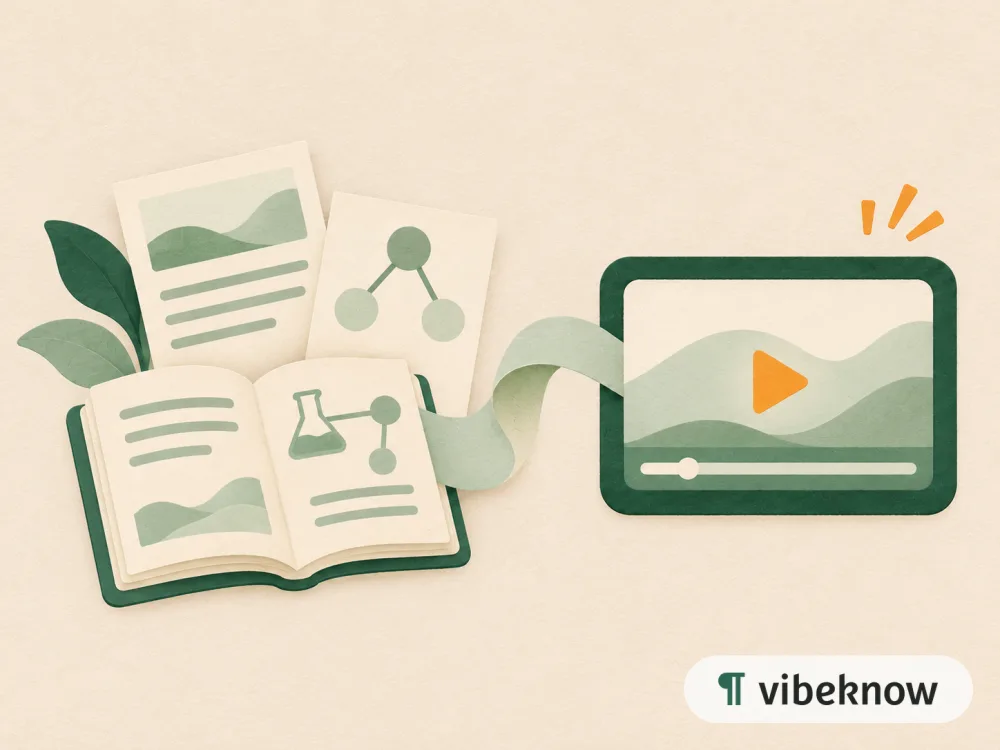
- Textbook chapterTopic explainer
- Science article or blog postExplainer video
- Course notesConcept walkthrough
- Revision sheetReview video
FAQ
Questions about science explainer videos.
Do I need stock footage?
No. VibeKnow creates the visuals for each scene, such as diagrams, charts and illustrations.
What if the AI gets a fact wrong?
Check the narration and the figures on screen before you share. You can edit any line of narration or any text on a scene, then export again.
Can I explain a process with several steps?
Yes. Write the steps in order in your document; each step usually gets its own scene.
Can I show it on a museum or classroom screen?
Yes. Download the MP4 and play it on any screen: 16:9 for a wall or projector, 9:16 for phones.
Which topic would you explain first?
Upload your notes and watch the first version in minutes.