
Lesson Video: Turn Your Lesson Notes into a Video
Make the part of the lesson students always ask about again into a video they can rewatch.
Examples on this page (4)
About this use case
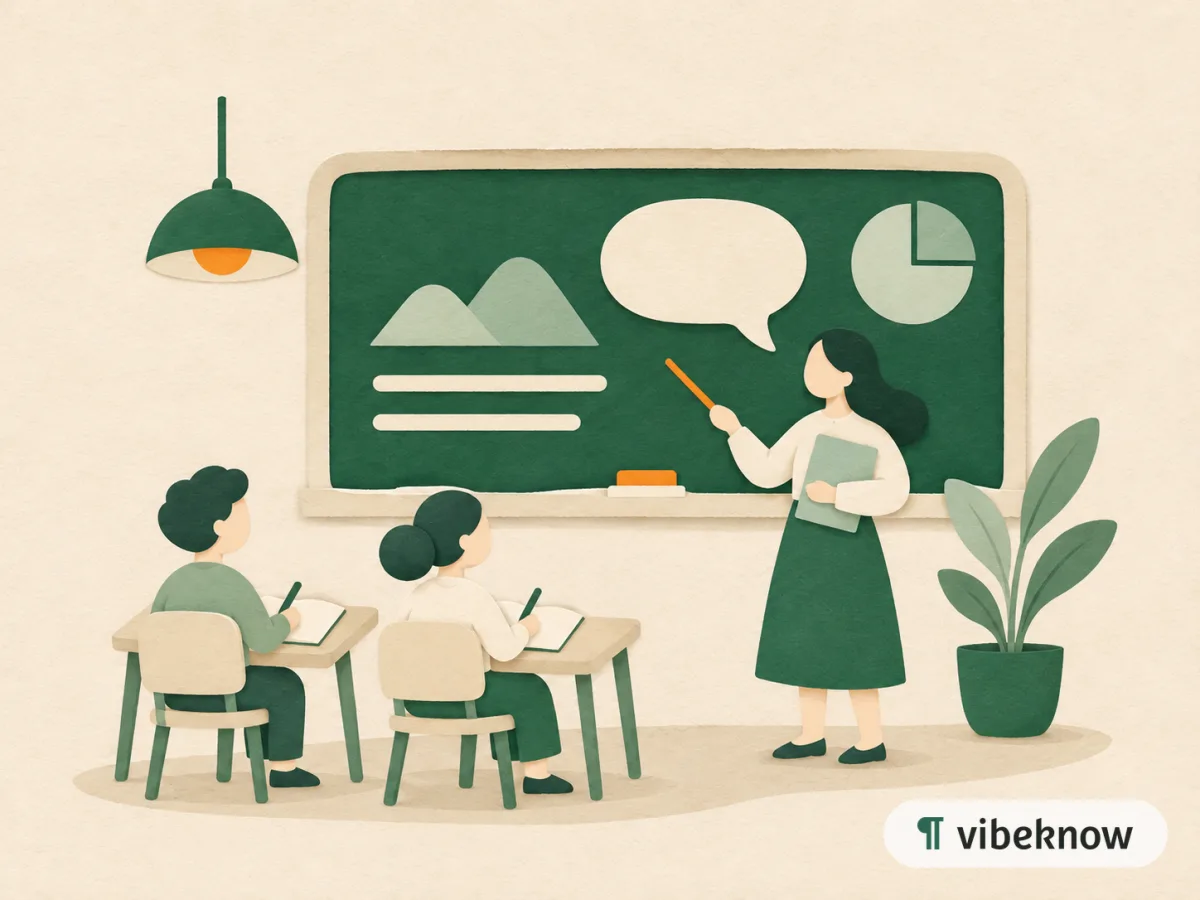
A lesson video covers one teaching point clearly, so students can watch it before class, after class or before a test. Upload your notes, a handout or slides and VibeKnow structures the explanation, writes the narration and illustrates each point. Teachers use it for flipped classrooms, revision and absent students.
Best for
- Classroom teachers
- Tutors
- Flipped classrooms
- Revision and test prep
- Writing and language teachers
What's in “Active and Passive Voice: When to Use Each”
- Same event, different spotlight: “The cat chased the mouse” versus “The mouse was chased by the cat.”
- The formula: a form of “be” plus the past participle, with or without “by” and the doer.
- Three moments to choose passive: unknown doer, obvious doer, or when the result matters most.
- Why active is usually the default: shorter, clearer, and it keeps stories moving.
- The zombie test: if “by zombies” fits after the verb, the sentence is passive.
Made with VibeKnow and shown in full.
The explanation students wish they could replay
In class, a student nods along. That evening, with homework open, the step that seemed obvious has disappeared. They don't want to ask again; they want to hear it again.
A lesson video keeps your explanation available after the bell. Students replay the part they missed, absent students catch up, and you spend less of the next lesson repeating the last one.
How to make a lesson video
 01
Upload your lesson
Notes, a handout or slides for one teaching point.
 02
Say who it's for
Add the grade, the length and what students should be able to do after.
 03
Check and assign
Review each scene, edit anything, then share the MP4 with your class.
Start from what you have: PPT to video · Document to video · Script to video
Ways teachers use lesson videos
Flipped classroom
Students watch before class, and lesson time goes to practice.
Revision
One video per topic, ready before exams.
Catching up
Absent students get the same explanation everyone heard.
Parents at home
Show parents how a topic is taught now, so they can help.
Different levels
Make one version for younger students and one for older ones from the same notes.
How it compares with other ways to make a lesson video
Related use cases
View all use cases

FAQ
Questions about lesson videos.
Can I use my existing slides?
Yes. Upload the deck; you can keep every slide as it is and add narration page by page.
Can I make one video per topic in a unit?
Yes. Upload the notes for each topic separately and keep the same style, so the unit plays as one series.
How long should a lesson video be?
One teaching point per video works best. Say the length you want in the prompt.
Can I make a version for a different grade?
Yes. Upload the same notes again and put the grade in the prompt; the narration is written for that age.
Upload your lesson notes
Watch the first version in minutes and edit it before class.