
Health videos patients can watch again at home
Leaflets, care instructions and health guides become plain-language videos. You review every word before anyone else sees it.

- PDF, Word, PPT, TXT, MDUpload files up to 50 MB
- 8 narration languagesIncluding English, Spanish, Japanese and Korean
- MP4, script, captionsDownload together or one by one
- 16:9 or 9:16Landscape or vertical
What gets in the way, and how VibeKnow helps
Appointments are short, and patients forget details once they get home.
Turn the leaflet your team approved into a video patients can replay at home and share with family.
Leaflets are dense and easy to skip.
Each point gets its own illustrated scene and plain-language narration.
Clinicians have no time to make content.
Start from material your team already wrote; you review and correct a draft instead of starting from scratch.
Patients speak different languages.
Narration comes in 8 languages, picked from the voice menu.
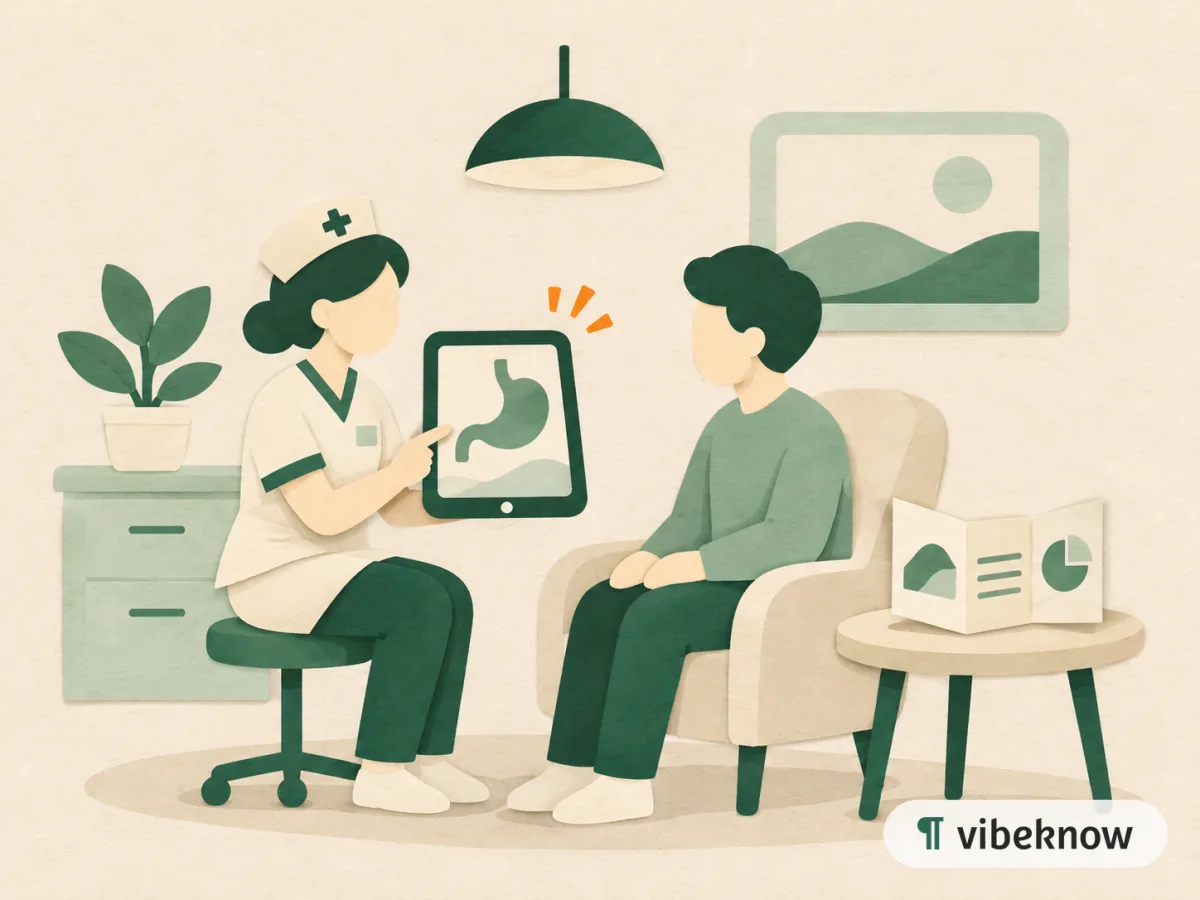
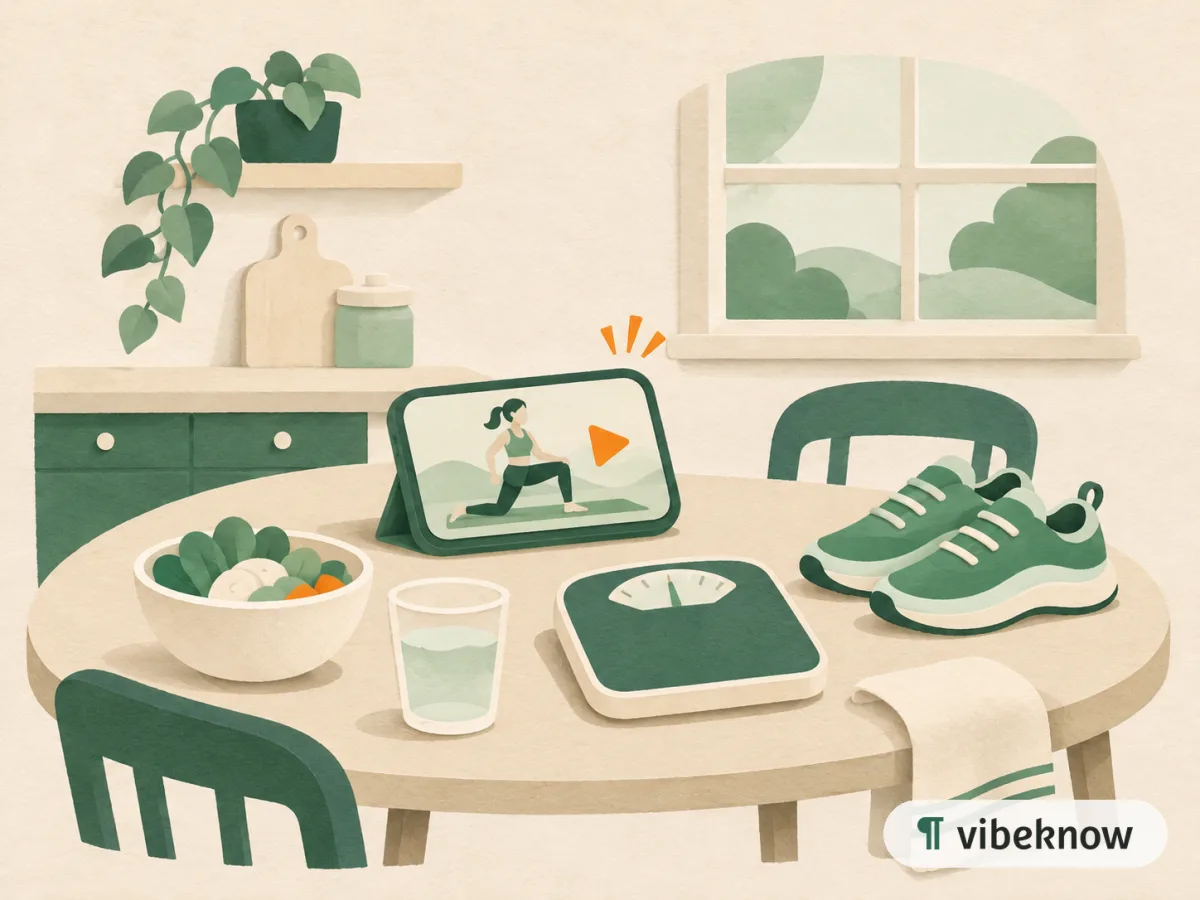
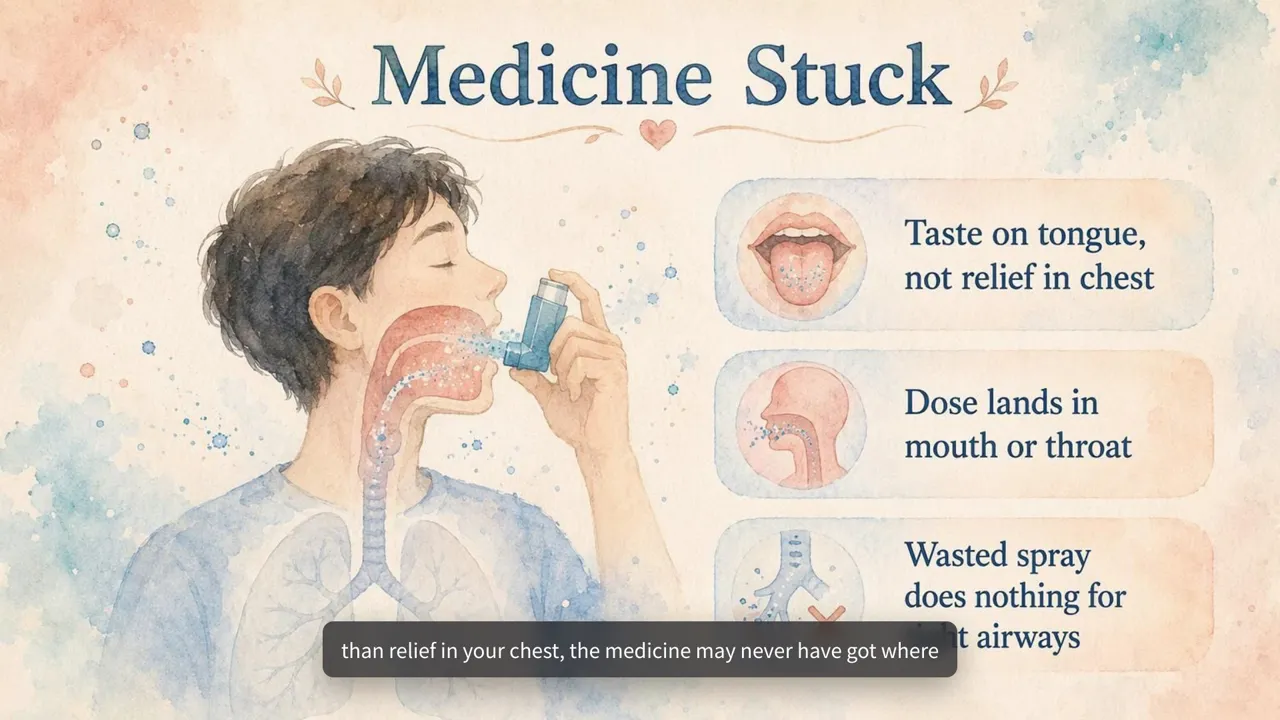
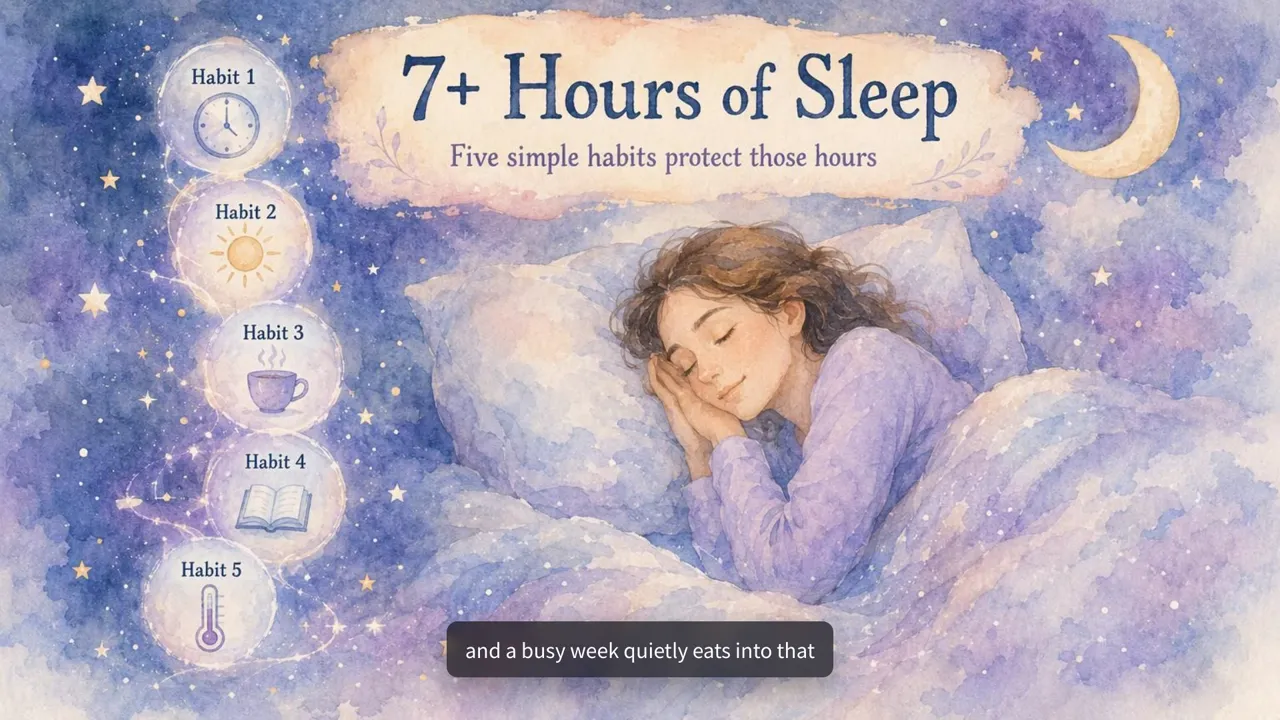
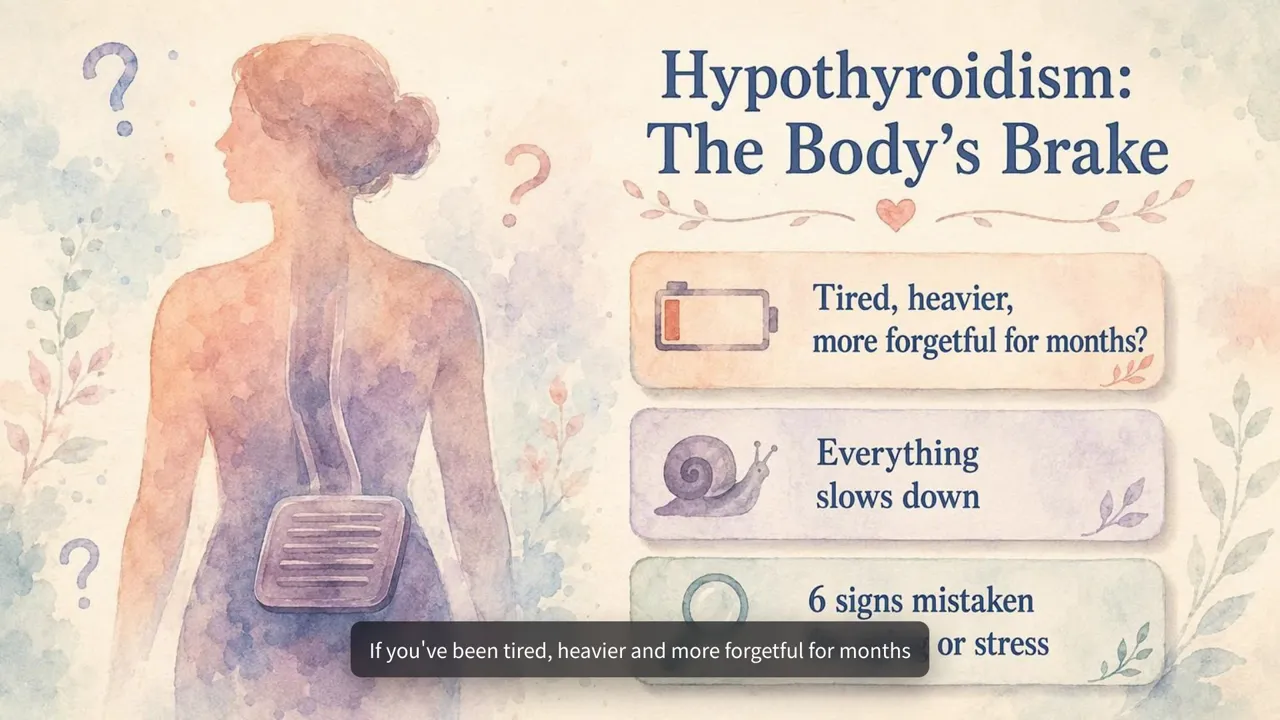
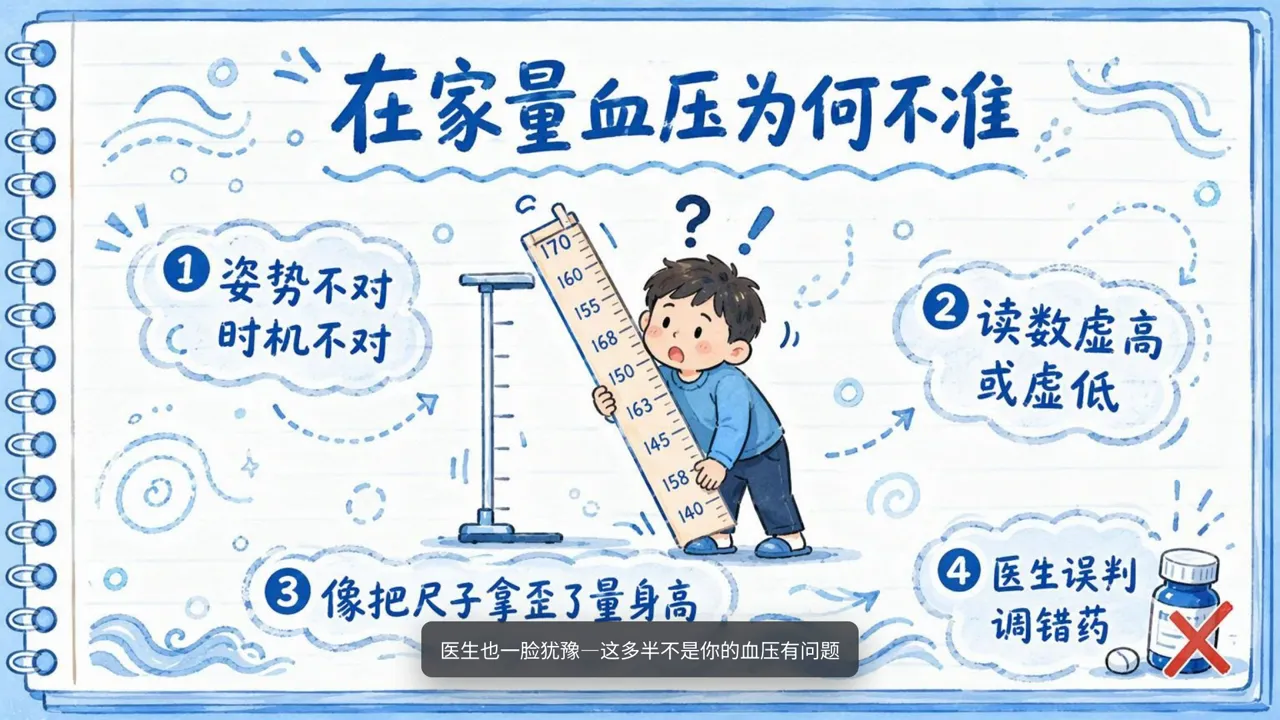


What patients take home from an appointment
Ten minutes, then the car park
The patient nods through the explanation and takes the leaflet. By the time they reach the car park, half of it has gone. At home someone asks how the inhaler is supposed to work, and nobody is sure. A video made from the leaflet you already approved gives them the same explanation again, at the kitchen table, as often as they need it.
Where the videos end up
Send the link after a visit, play it on the waiting-room screen, add it to your patient portal, or print a QR code on the leaflet itself so the paper and the video travel together.
Getting it right
Image Video draws a plain illustration for each point, which suits step-by-step instructions such as measuring blood pressure or using an inhaler. Say who will watch in the prompt and ask for short, plain sentences. Keep one topic per video, and have a clinician review the narration and visuals before anything reaches patients.
What health teams turn into videos
Start with material your clinical team has already approved.
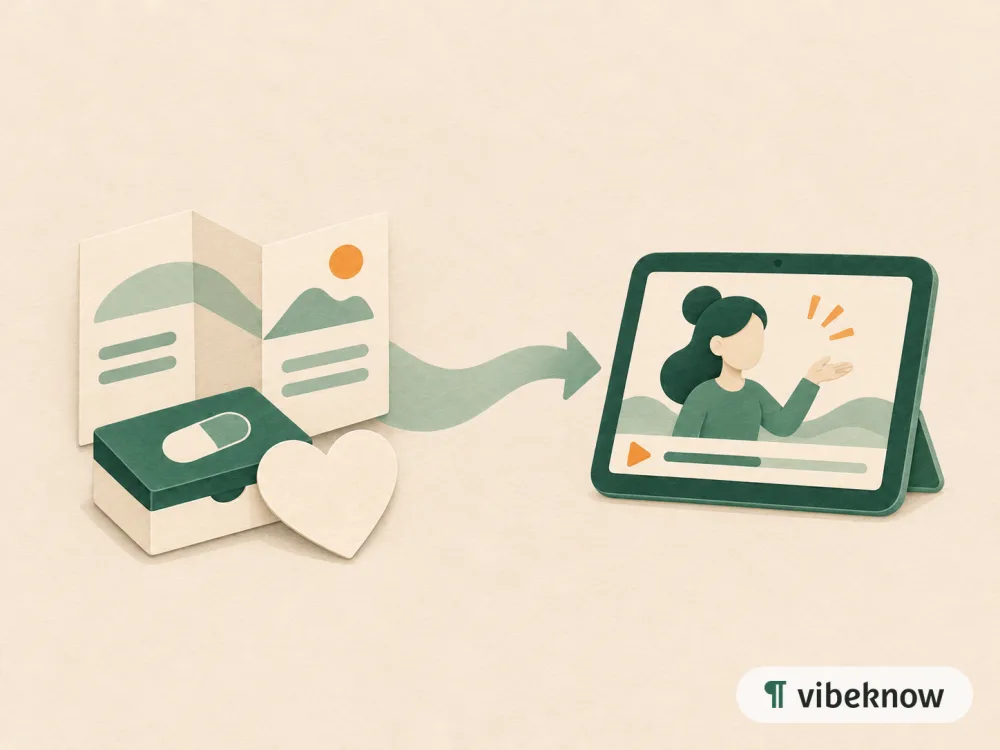
- Condition leafletCondition explainer
- Treatment or medication guideTreatment walkthrough
- Diet or lifestyle adviceAt-home care video
- Pre-procedure instructionsWhat-to-expect video
- Visit informationVisit guide
FAQ
Questions about patient education and health videos.

Who should review the videos?
A qualified clinician. VibeKnow explains what you upload, and AI-written narration and illustrations can contain mistakes, so check every video before patients see it.
What material can I upload?
General education material such as leaflets, care guides and FAQs. Don't upload patient records or anything that identifies a patient.
Can I keep my exact wording?
From an uploaded document, VibeKnow writes its own narration. If the exact wording matters, use Script to video and paste the text you want narrated.
Where can I show the videos?
Download the MP4 and use it wherever you can play video. Vertical 9:16 is available for phones.
Which handout do patients ask about most?
Upload it, then go through the first version with your team.