
Product decisions, explained with the numbers on screen
Buying guides, comparisons and spec sheets become narrated videos that show prices, sizes and trade-offs as you explain them.

- PDF, Word, PPT, TXT, MDUpload files up to 50 MB
- 8 narration languagesIncluding English, Spanish, Japanese and Korean
- MP4, script, captionsDownload together or one by one
- 16:9 or 9:16Landscape or vertical
What gets in the way, and how VibeKnow helps
Customers drop off when the numbers start.
Prices, sizes and comparisons appear on screen as numbers and charts while the narration explains them.
Every product needs its own explainer.
Upload one guide per product and get a video for each.
Sales teams repeat the same explanation on every call.
Send one video that answers the common questions before the call.
Product use cases

Showcase
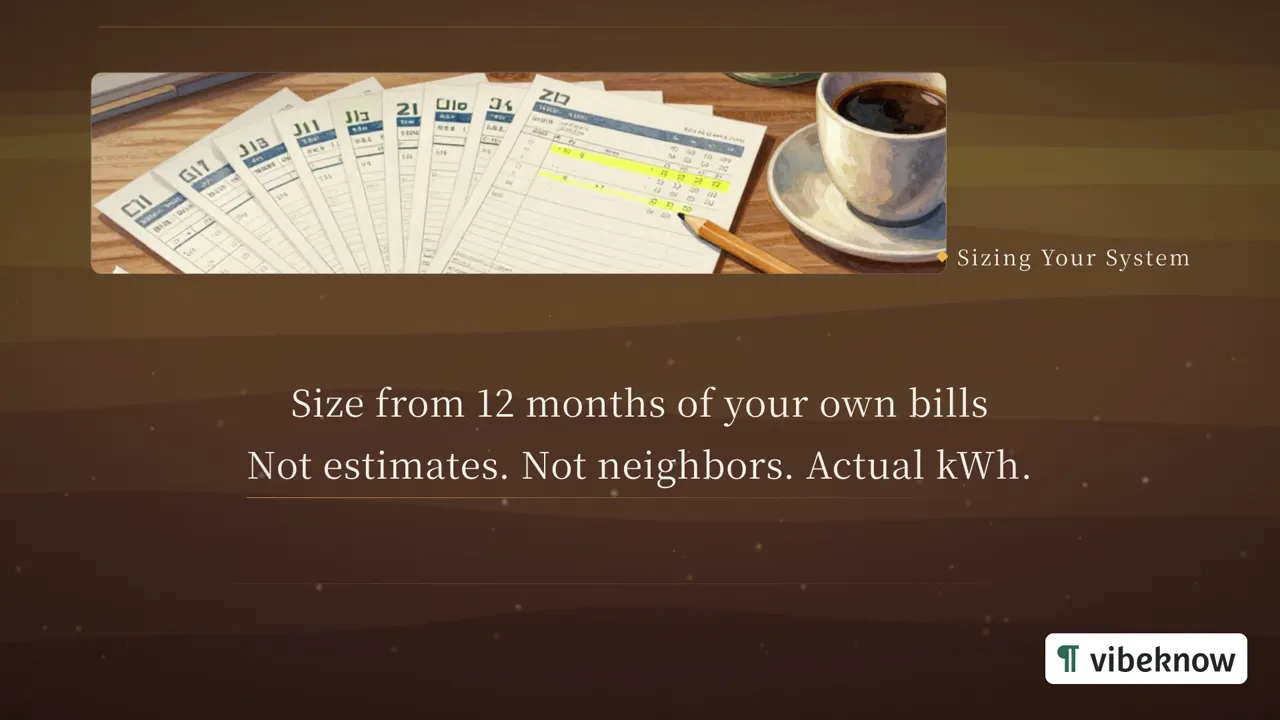
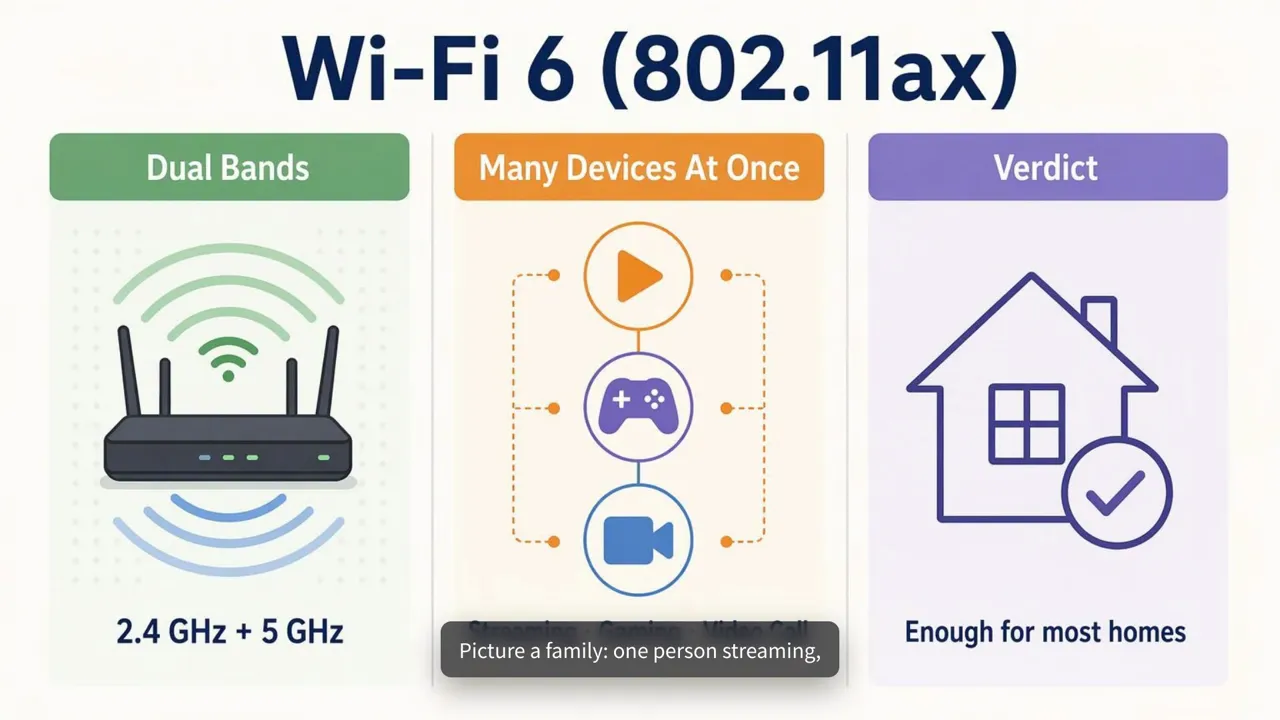

Buying guides people actually finish
The comparison table nobody reads to the end
Your guide has all the numbers: wattage, battery capacity, cost per year. Readers scroll straight to the bottom looking for “so which one should I buy?”. A video walks through the same table in order and shows each figure as it is spoken.
Where the videos end up
Product pages, the help center, onboarding emails for new customers, sales follow-ups, or a screen at your trade-show booth.
Which mode to pick, and what to check
HTML Video lays out figures and charts cleanly, as in the solar example above. Check every number before you export; the narration and the text on each scene can be edited. Paid plans add your logo to every video.
What teams turn into product videos
The facts are usually already in a document.

- Buying guideBuying guide video
- Comparison tableSide-by-side comparison
- Spec sheetProduct explainer
- Pricing pagePricing walkthrough
FAQ
Questions about product and buying guide videos.

Will it keep my numbers exactly?
It works from the figures in your document, but check every price and figure before you publish.
Can I make videos for our help center?
Yes. Turn setup guides and FAQs into short videos, download the MP4 and embed it like any other video.
Can I compare two products in one video?
Yes. Put both in your document, side by side or in a table, and say in the prompt what the viewer should be able to decide.
Which product would you explain first?
Upload your guide and watch the first version in minutes.