
Story Video Maker: Bring a Children's Story to Life
Turn a story you wrote, or a class reading, into an illustrated video with gentle narration.
Examples on this page (3)
About this use case
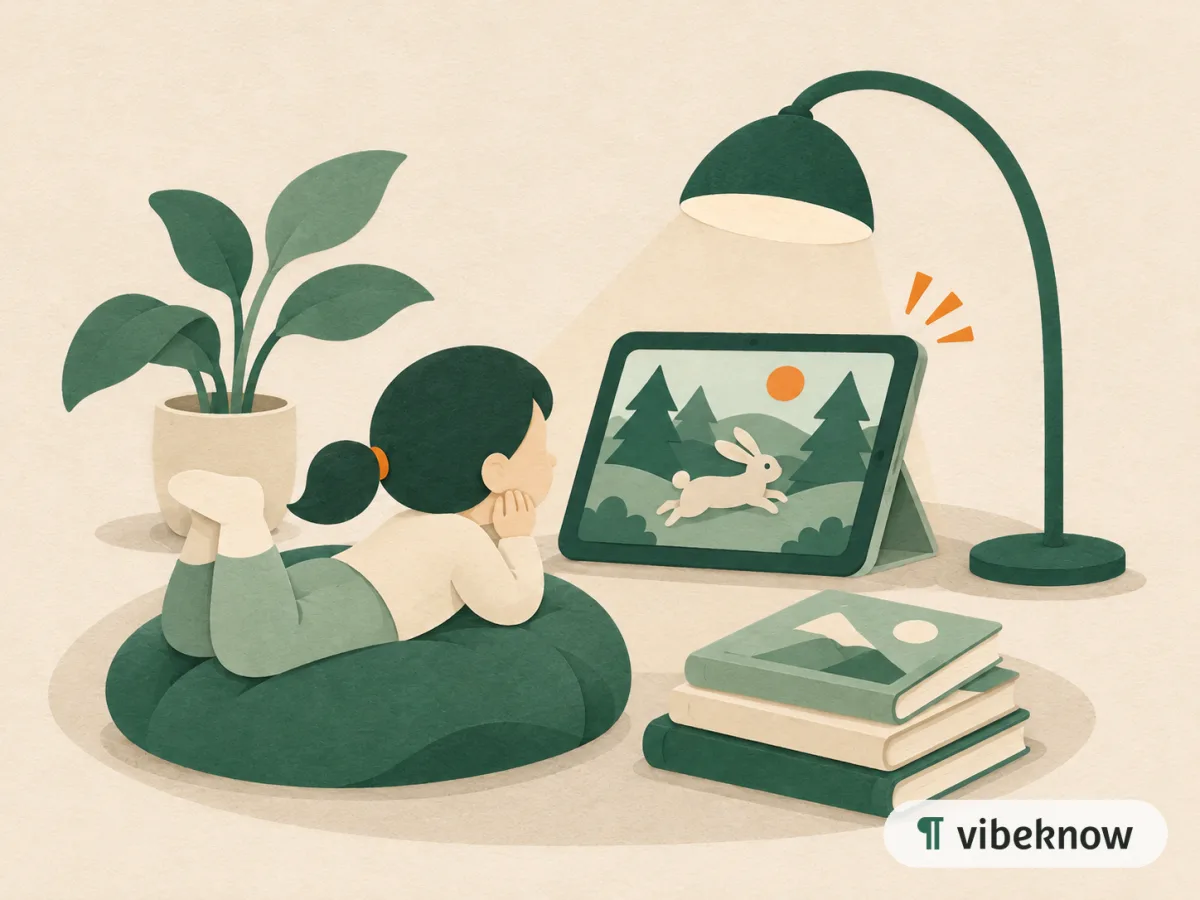
A story video gives every moment of a story its own picture, so young viewers can follow along. Paste the story or upload it as a document, say the age group, and VibeKnow illustrates each scene in one consistent style and adds narration. It suits teachers, librarians, parents and kids' channels.
Best for
- Early-years teachers
- Librarians
- Parents
- Kids' YouTube channels
- Language learning
What's in “The Lighthouse Cat”
- Ada the old lighthouse keeper and Pip, a grey cat with very big ears, climb 108 steps each evening.
- On a foggy night, Pip hears a lost fishing boat's bell far out at sea.
- Pip tugs at Ada until she hears it too, and Ada rings the fog bell to guide the boat home.
- The next morning a girl from the boat brings two fish: one for Ada, one for Pip.
Made with VibeKnow and shown in full.
Story time, again and again
Children ask for the same story many times. Parents and teachers know the voice, the pauses and the pictures matter as much as the words.
A story video gives a picture-book tale an illustration for each moment and a calm narration, so it can be watched at bedtime, in class or on a long car journey, and the story stays the same every time.
How to make a story video
 01
Add the story
Paste the text with Script to video, or upload it as a document.
 02
Say who it's for
Add the age group and pace, such as “ages 4–8, slow narration”.
 03
Watch and share
Check every scene, then download the MP4 for class, home or a channel.
Start from what you have: Image explainer video · Script to video · Document to video
Ways people use children's story videos
Bedtime
A calm, slow version to wind down with.
Classroom reading time
Show a story on the board, then talk about it together.
Language practice
Hear a familiar story in another narration language.
Stories you wrote
Turn a story you made up for your own children into a keepsake.
Values and feelings
Short stories about sharing, friendship or trying again.
How it compares with other ways to make a story video
Related use cases
View all use cases
FAQ
Questions about story videos.
Will the characters look the same in every scene?
The video uses one look throughout, as in this example. Check each scene after generation and redesign any that drift.
Can it read my story exactly as written?
Yes. Use Script to video and paste the story; the narration follows your words.
Can I narrate it in my own voice for my kids?
Yes. Clone your voice from 15 to 120 seconds of audio, then pick it as the voiceover.
Can I make a calm bedtime version?
Yes. Describe the tone in the prompt, such as “calm, for bedtime, under 3 minutes”, and choose a voice that suits it.
Turn your story into a video
Upload it and see the first scenes in minutes.